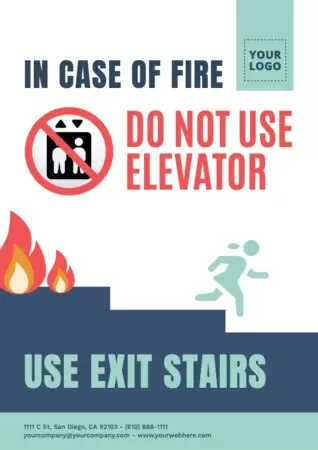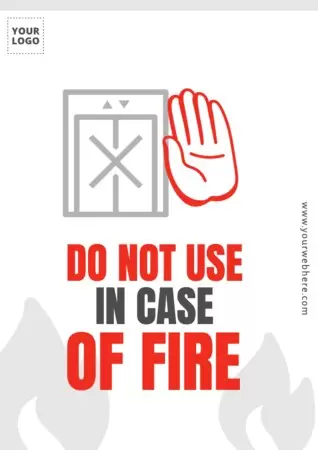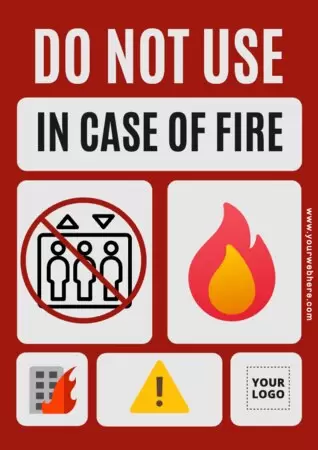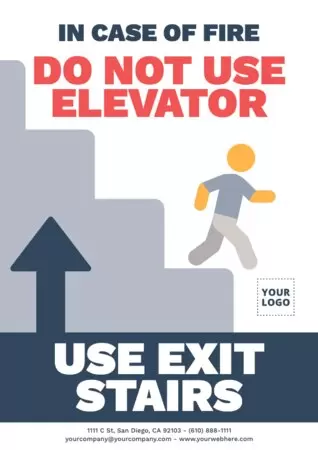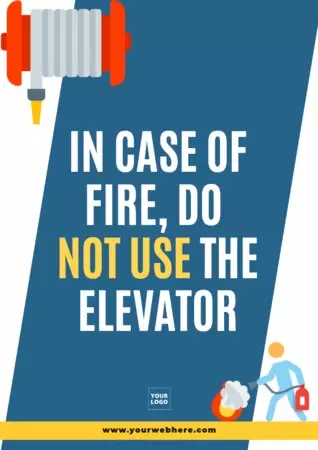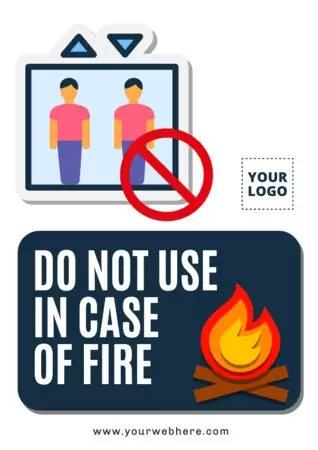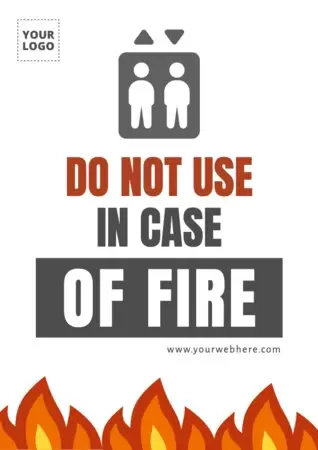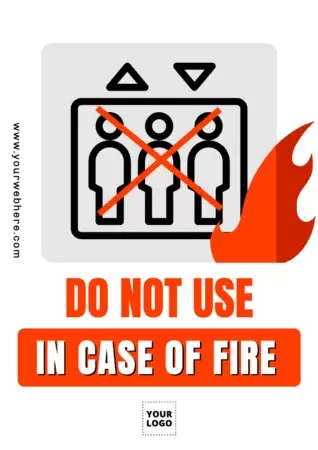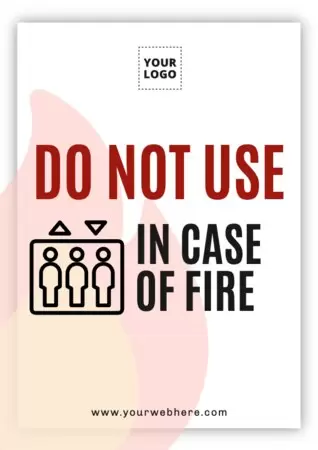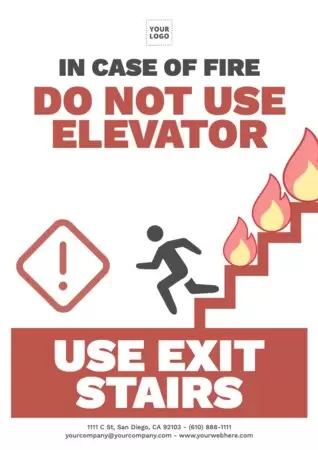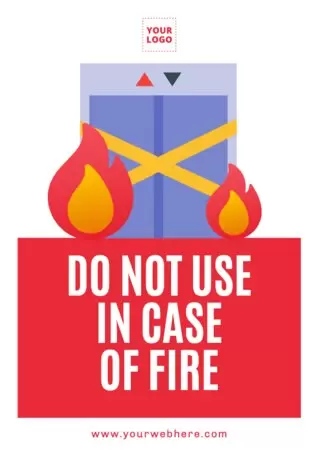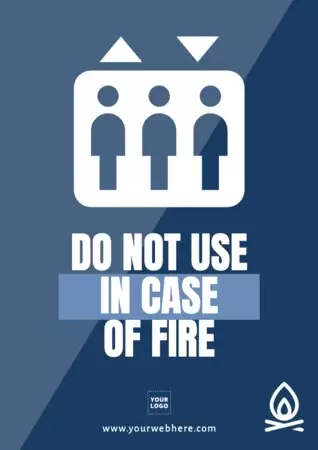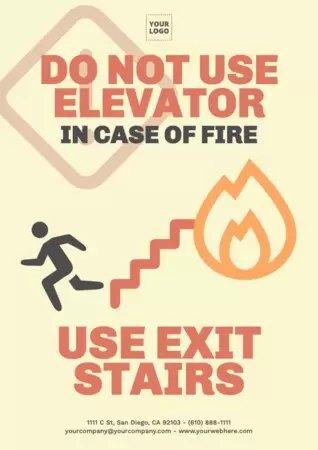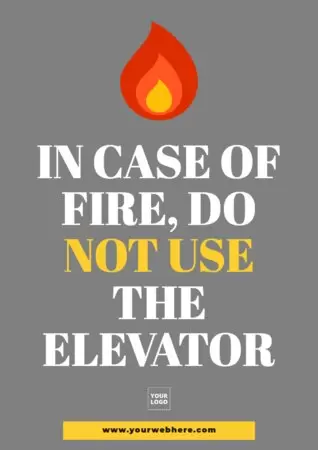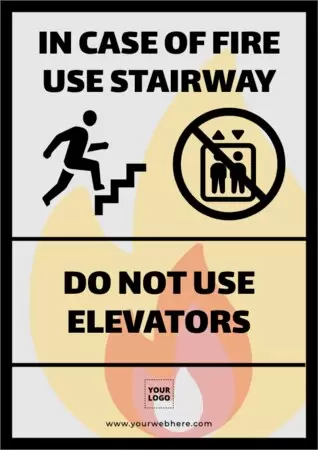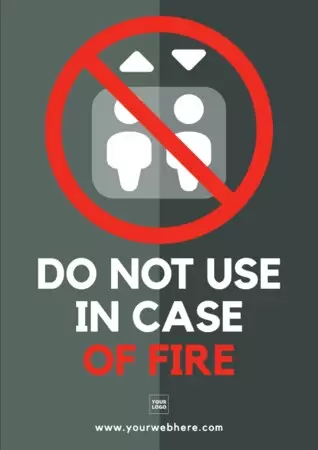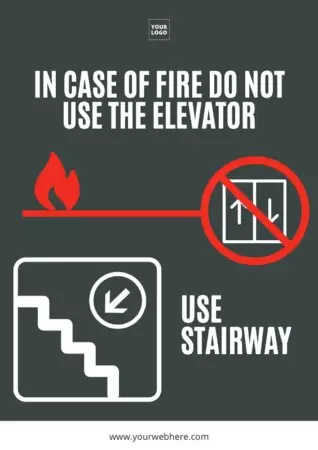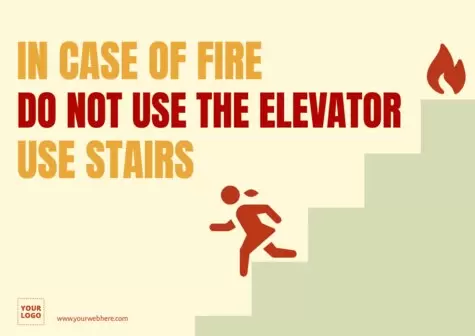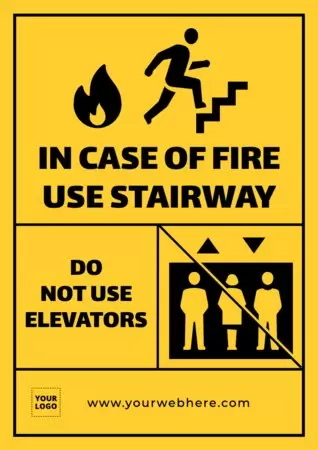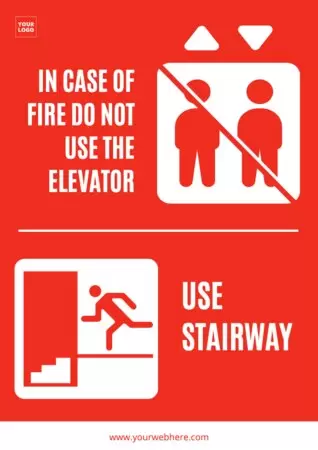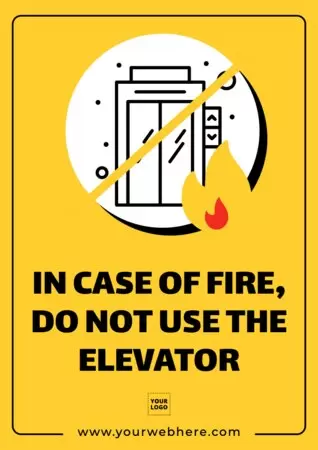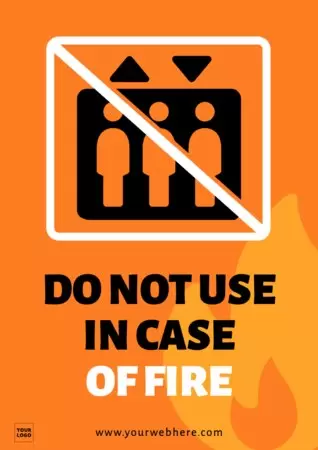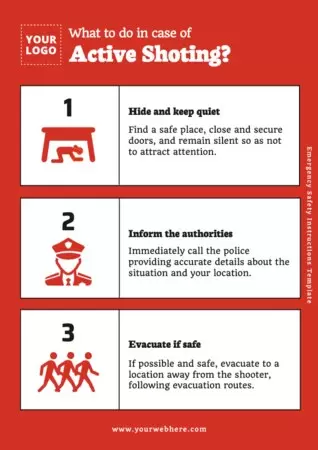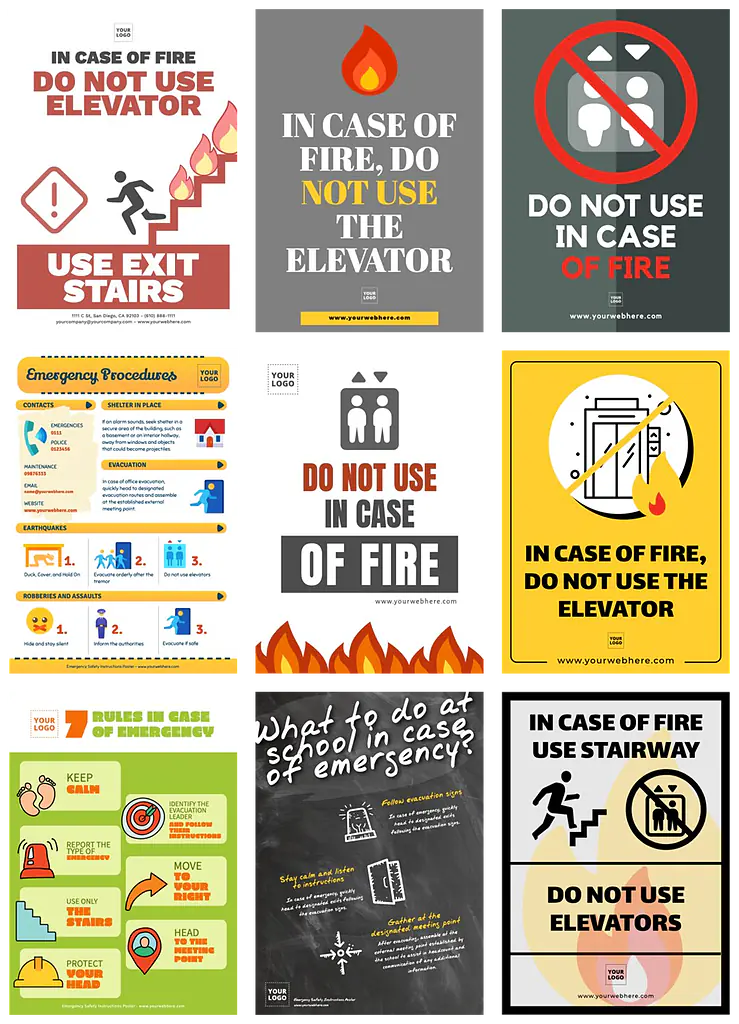
Design brochures to ensure your employees understand how to follow safety instructions in case of an emergency. Create posters as if you were an expert designer.
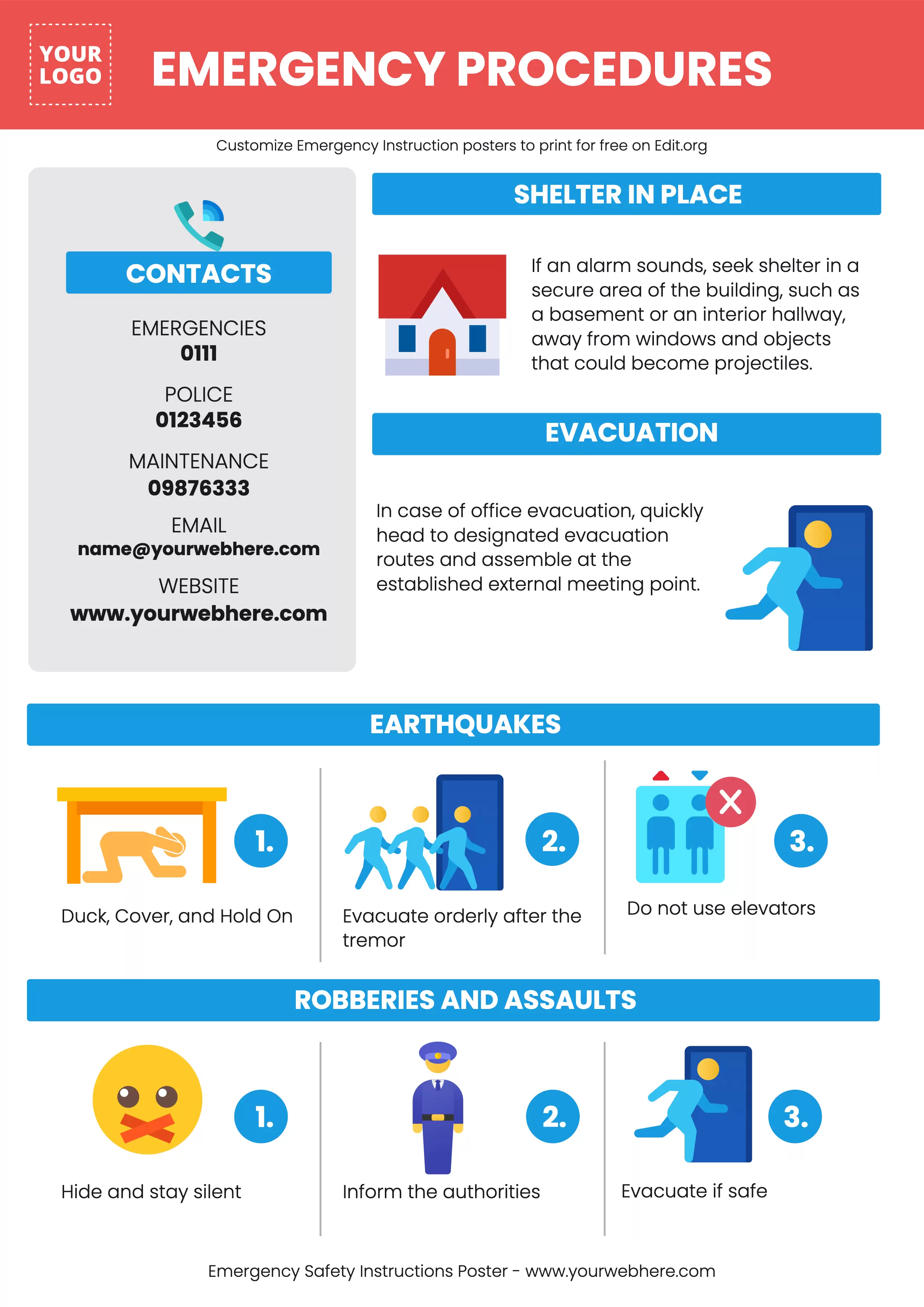
Design a custom General Evacuation Instructions poster
Today, we are releasing an extensive collection of editable templates that require just a few clicks, eliminating the need for Photoshop. Design posters featuring emergency instructions using our free online editor. You can create them quickly and effortlessly. Utilize your phone, tablet, or computer to access our engaging online graphic editor.
Discover how remarkably simple it is to craft a design. Our team has crafted templates where you only need to input your message and incorporate royalty-free images, vectors, or icons. You can easily customize colors or include your company logo.
These emergency instruction signs play a crucial role in conveying critical information clearly and understandably during urgent situations. These posters are designed to instruct individuals on how to respond correctly and safely in emergency situations.
We have also designed Fire Prevention posters tailored for your company, as well was emergency contact numbers posters and emergency first aid posters.
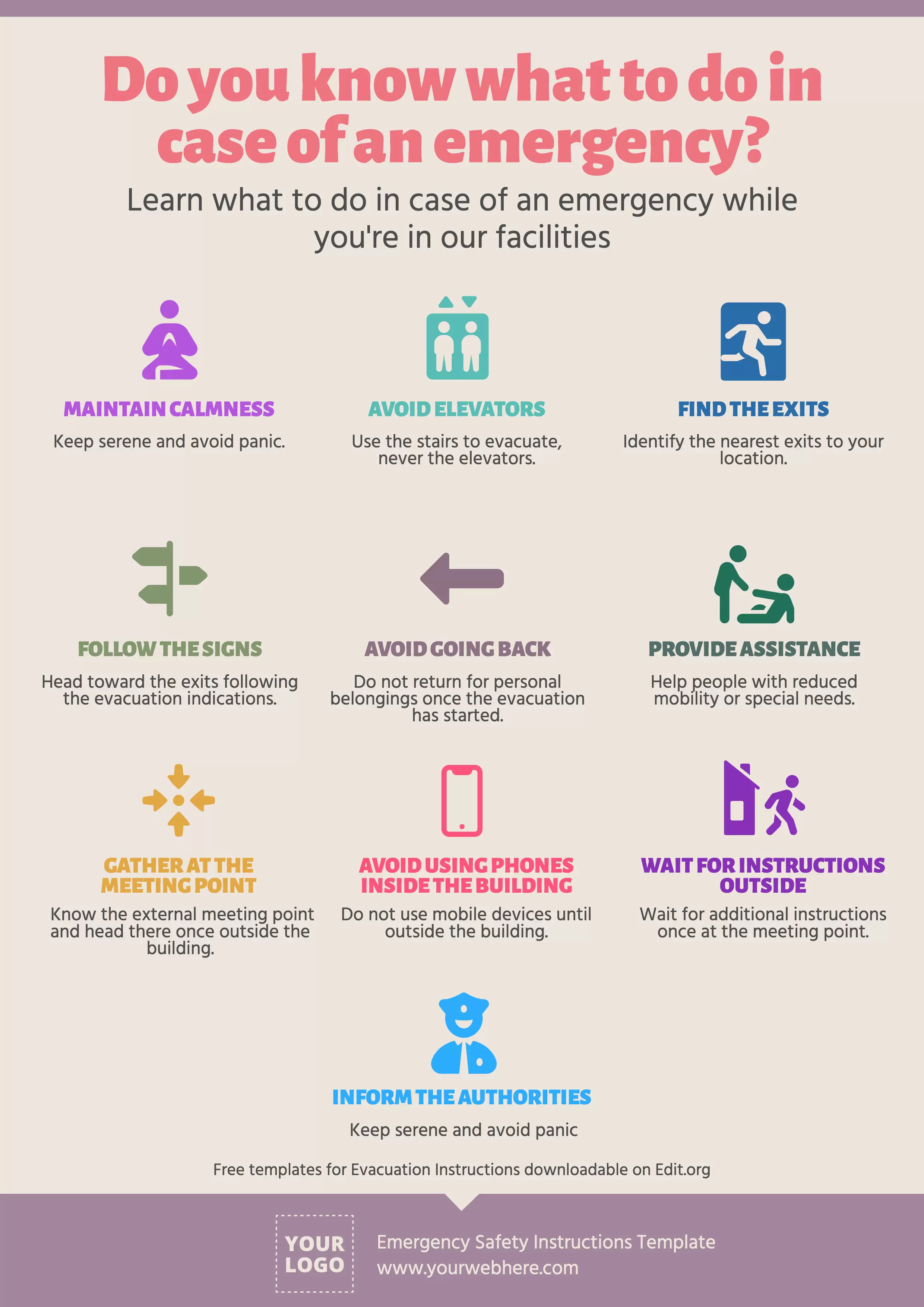
How to edit Emergency Action Plan poster templates
It's as simple as this:
- Click on a poster in this article. At the bottom of it, you'll find a large waterfall of more designs.
- Customize the template with your instructions, photos, vectors, and design preferences.
- Save your finished artwork or your progress to our custom cloud.
- You're done! You can download it in JPG, PNG, or PDF to print in high definition or share it as an email attachment or post it on social networks.
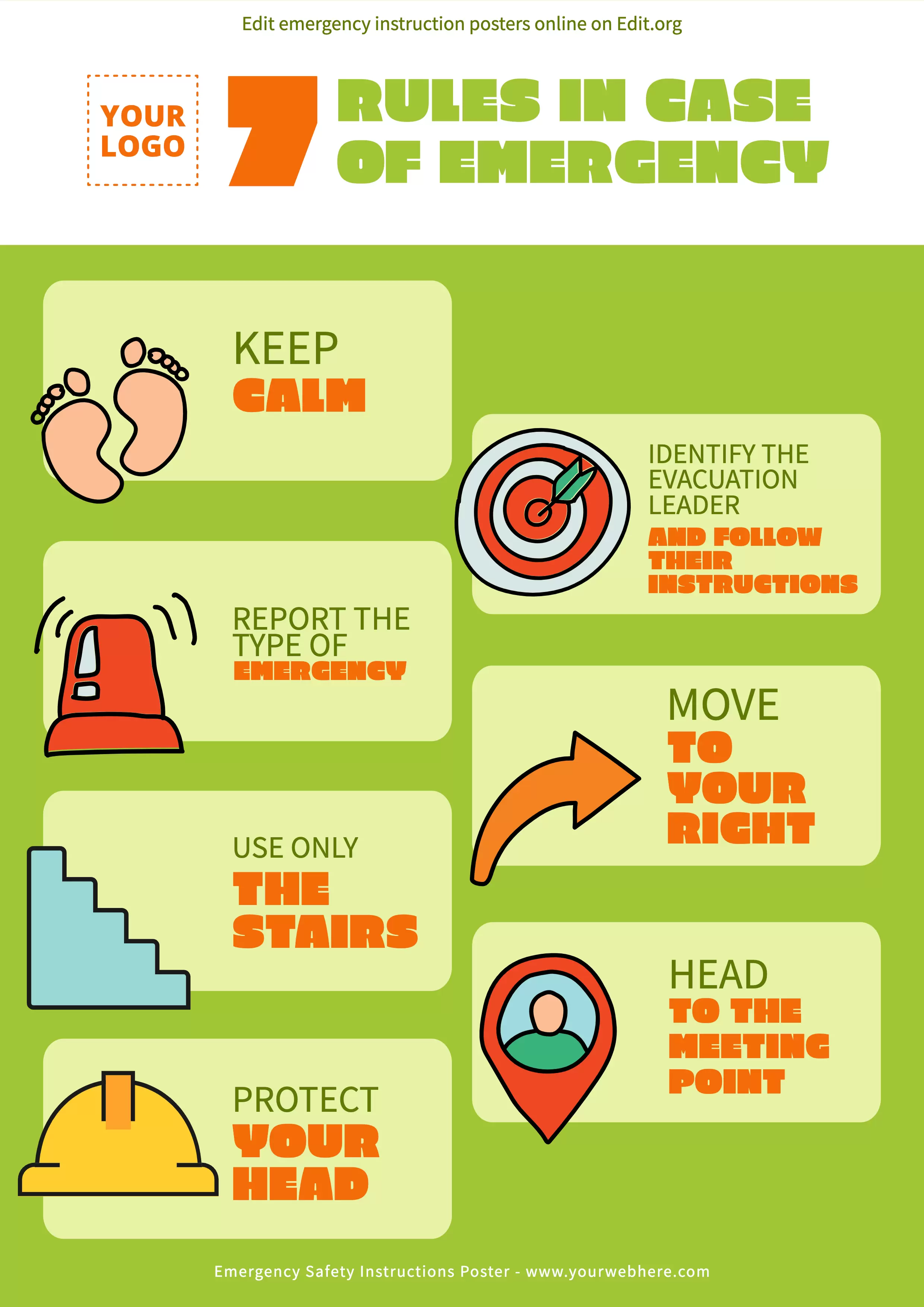
Download editable Emergency Evacuation poster templates
Start designing your emergency posters. With our free, customizable templates, you can:
- Incorporate internationally recognized symbols to ensure information is understandable to people who speak other languages.
- Include text to provide additional information that is easy to understand.
- Add relevant contact information, such as emergency numbers, security services, or instructions to inform about specific situations.
- Change fonts, colors, and logos easily.
Once you have it ready, you can print it in high quality to hang it in strategic and well-visible places, such as exits, corridors, elevators, and common areas. Remember that they should be easily visible even in low light conditions.
Here's a tip! Print them on durable and resistant materials to ensure that they can remain legible and in good condition, even in adverse environments. A good idea is to laminate them before sticking them to a wall.