Customizable podcast cover designs
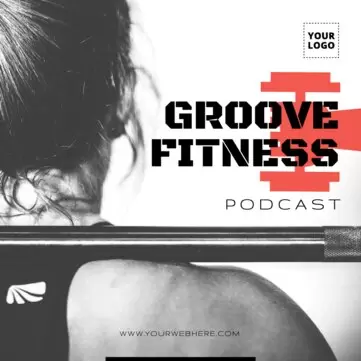
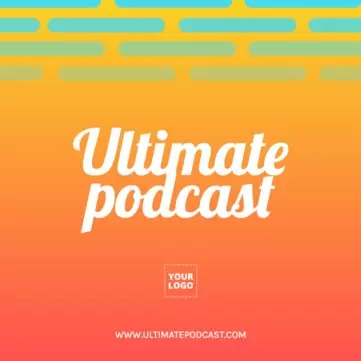
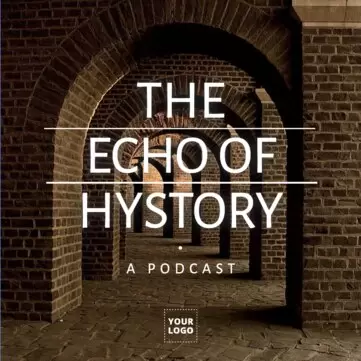
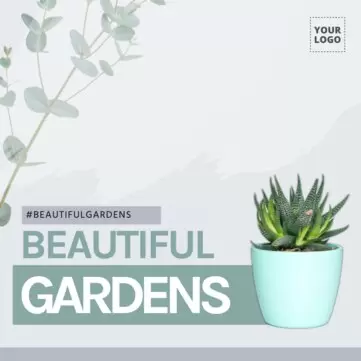
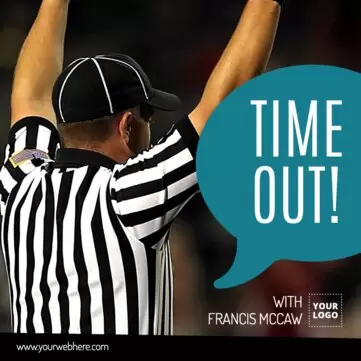
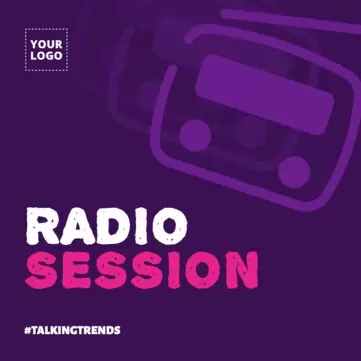
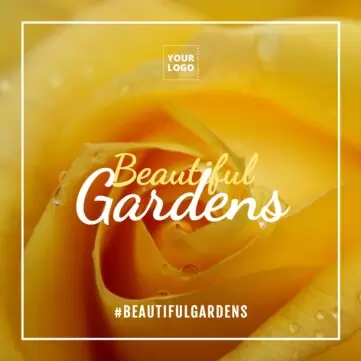
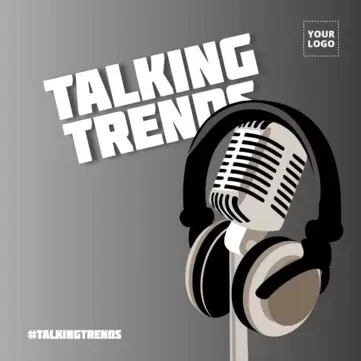
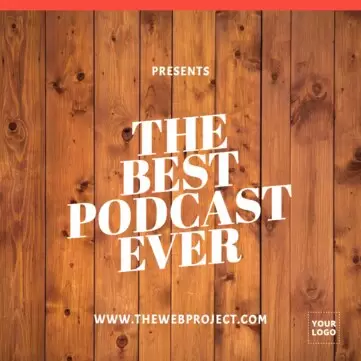
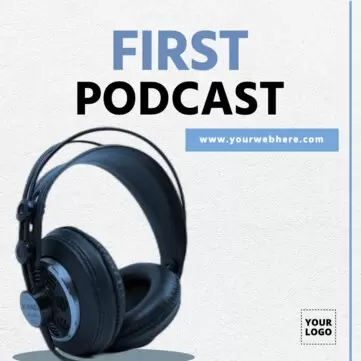
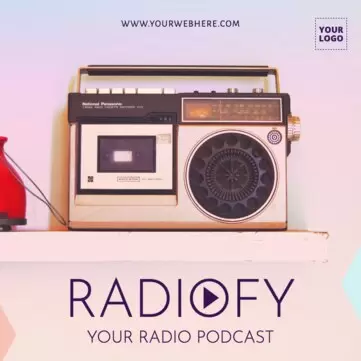
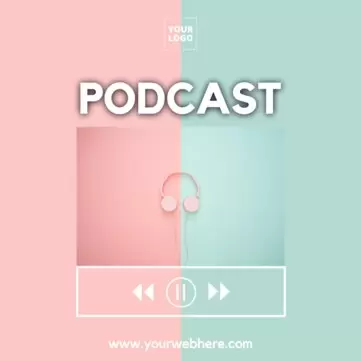
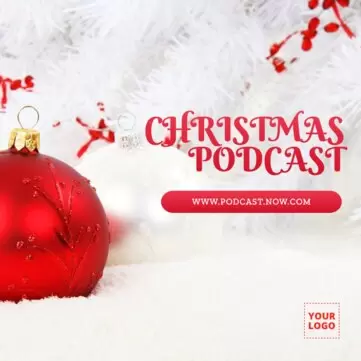
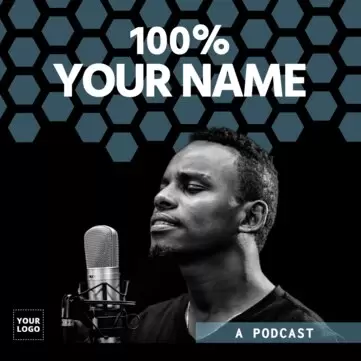
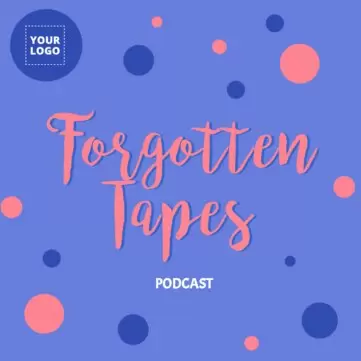
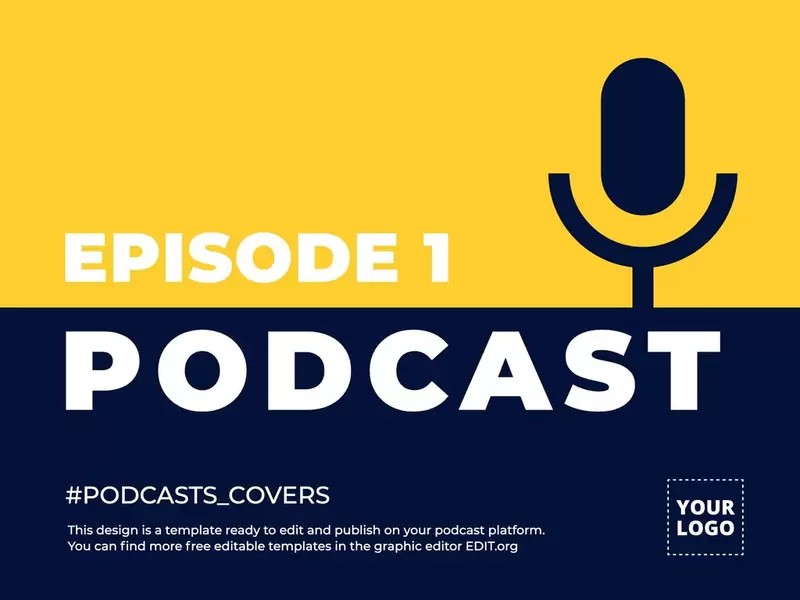
Create a podcast cover for each episode with Edit.org templates — ready to customize with your logo and corporate colors, download, and use.







Load more templates +
Create personalized podcast cover art
The podcast industry has been rising steadily for a few years, and it finally seems that we've reached a point of consolidation. In addition to the growing appearance of apps like Audible, iVoox, iTunes, etc., another clear indicator is the category's presence on Spotify. There's more and more podcast demand and consumption, so every day, it makes more sense to dedicate time and effort to creating this type of content.
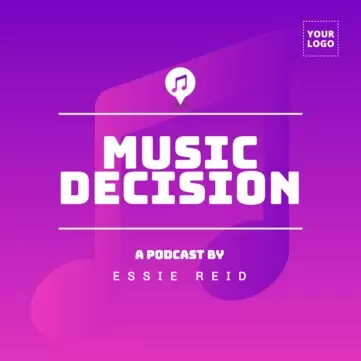
First impressions matter, especially when it comes to a podcast, where the cover and the image for each episode are usually the only visual references a listener has. Since it's your first chance to express yourself to listeners, it's vital to select a design that fits the style of the audio content and differentiates you from others.
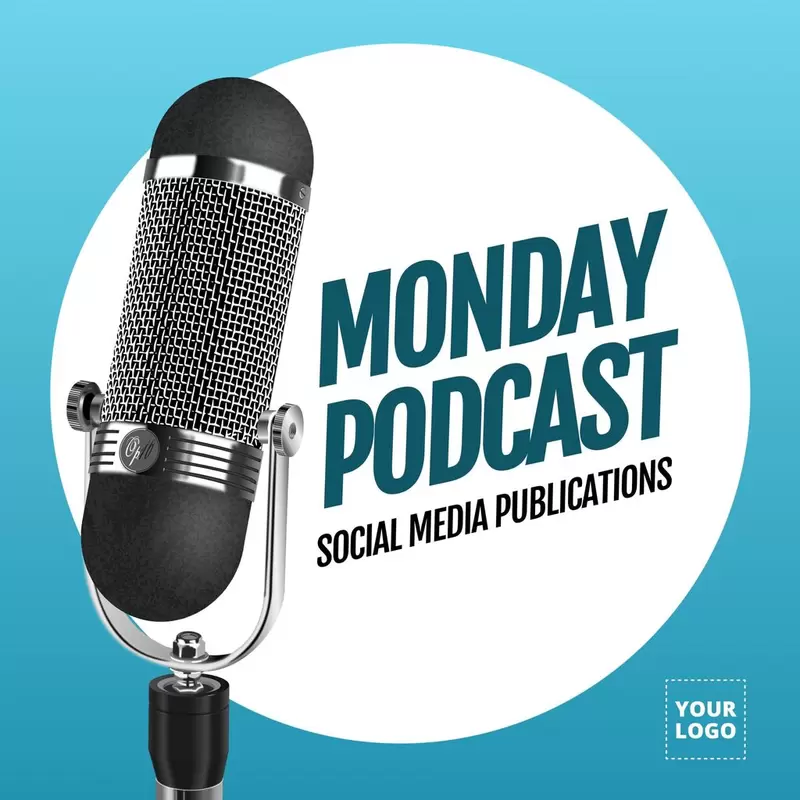
The use of smart virtual assistants such as Siri, Amazon Alexa, or Google Assistant is growing too; these are installed in smart speakers like Apple HomePod, Amazon Echo, or Google Home. These assistants are small objects with speakers that more and more people are buying to have at home, where they give the devices small orders or requests to search for information or audio content by voice. For example, a potential listener might say, "Alexa, find a marketing podcast in Spanish," and the speaker would give them a few options, which could include your podcast.
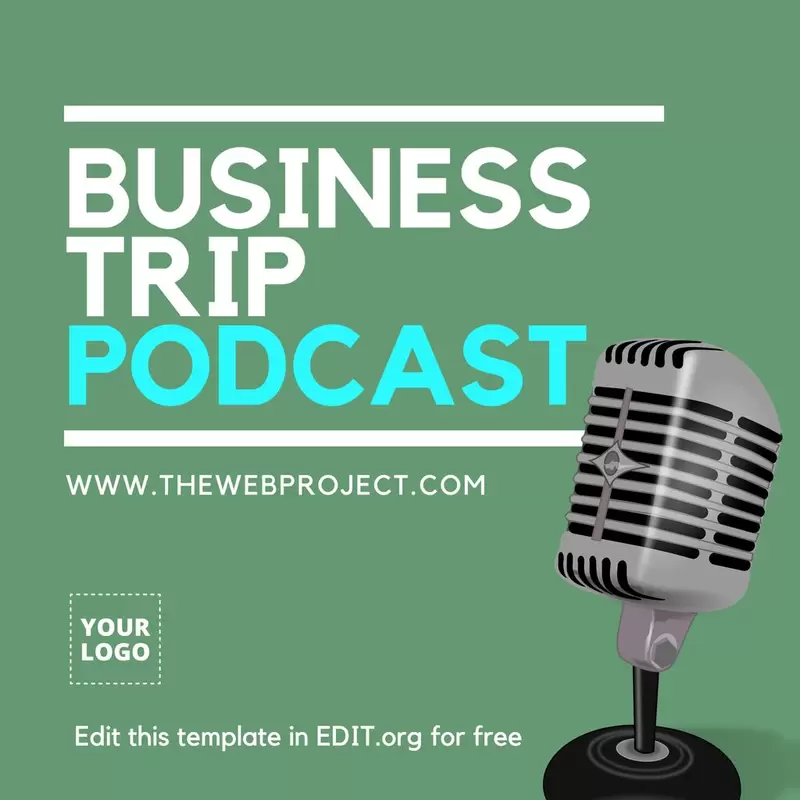
There are many advantages of podcasts, but perhaps the main one is the ease of consumption. Users listen to hours of audio while driving, cooking, or going anywhere; that is, during daily routine tasks, playing sports, on public transport, and in the doctor's waiting room, for example. Therefore, if you're a blogger or you're thinking of starting a blog, don't hesitate to start making podcasts. You just need a quiet space where you can record your audios and a graphic cover to publish it.
On Edit.org, you can find templates that suit your style and adapt them to your liking. It only takes a few minutes, and it's easier to edit than a Word document. Not only can you modify the texts and colors or upload photos of yourself, but you can also use all kinds of editor resources, such as images, icons, clipart, texts with unique fonts, gradient backgrounds, etc.
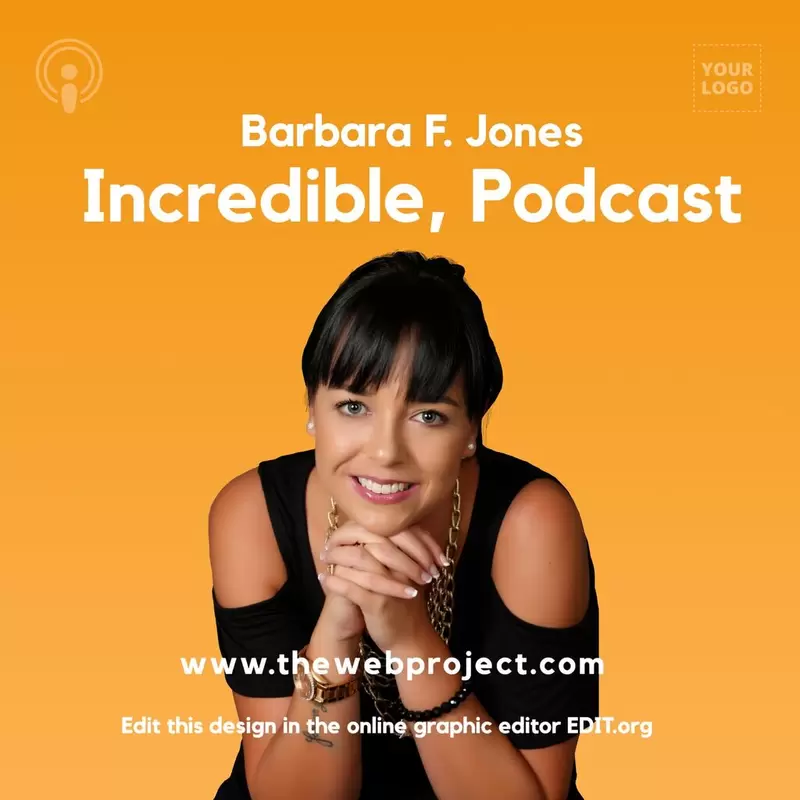
Podcast cover designs to edit online
Here are some categories of podcast cover design templates that you can find or create on Edit.org:
- Business and marketing: Sharing your experience with other entrepreneurs in this format is very appropriate since it will allow you to communicate about topics from the technical issues of software development to business and economics to more complex subjects such as experiences with clients, partners, investors, etc.
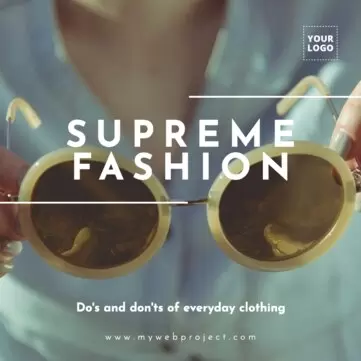
- Fashion and beauty: The world of Instagram influencers also has a place here, as there's a lot of content to spread with advice on style and looks.
- Cars and motorcycles: From the latest models to the characteristics of old and traditional cars passing through competitions and events, everything has a place in the world of motors.
- Food, nutrition, and recipes: We are what we eat, but also what we listen to. Nourish your audience with easy-to-make recipes, and watch how they listen to you. If you're a nutritionist, your professional view on food will be received well in the homes of your listeners.
- Humor and comedy: Laughing is a very healthy habit. Making people laugh is an art. If you know how to do it, this is your chance to make a name for yourself.
- News and society: We all want to be up to date with the latest events. Being able to catch up whenever you want is a huge advantage.
- Art and culture: From history books to design to performing arts and theater.
- Other types of podcasts: From health and wellness topics to curiosities of the universe or cinema, any subject of knowledge or debate has a place in a podcast.
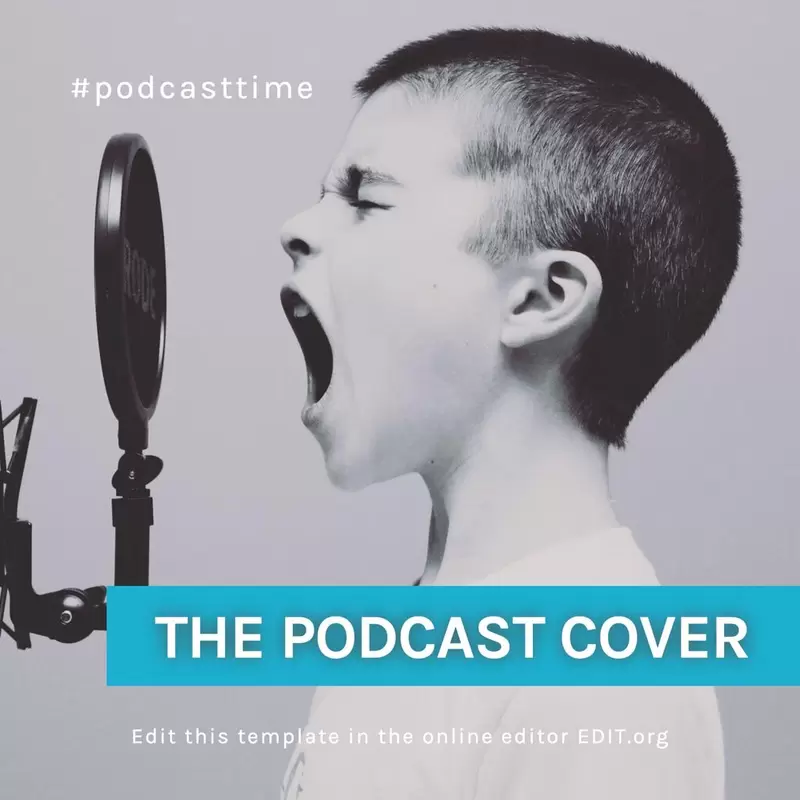
Customize a free podcast logo online
Create a cover or design in just a few minutes. With the Bulk Create tool in the editor, you can make multiple podcast covers at once from a single template. All you need to do is copy and paste the different show titles into the text box. Each cover with a different title will be downloaded in high quality. It’s that easy!
Remember, with the editor’s AI, you can also resize your designs with just one click. For example, you can turn a social media banner into a podcast cover or vice versa.
Make the most of the podcast boom with your knowledge. We recommend promoting your podcast through social media posts.
Create eye-catching covers for your show and each episode, and get more plays for your podcast!