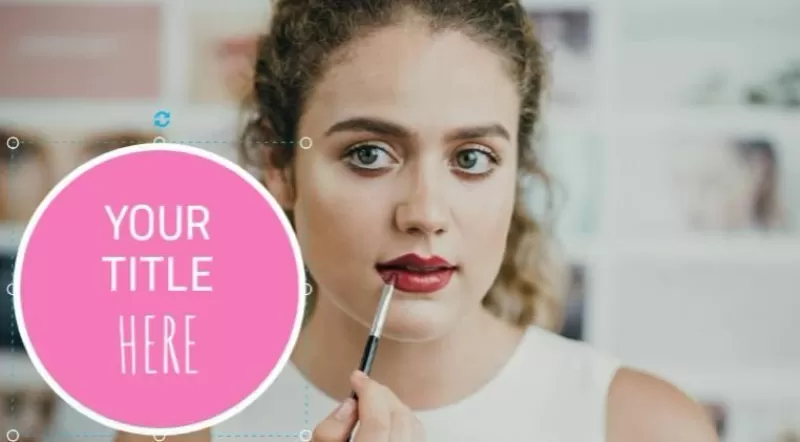
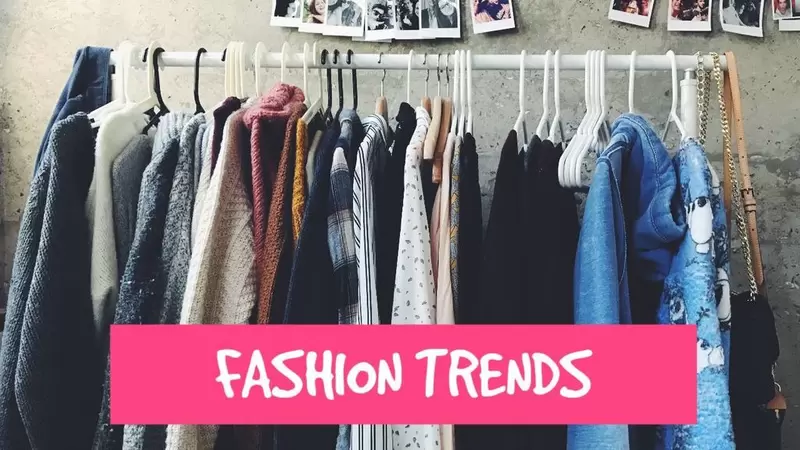
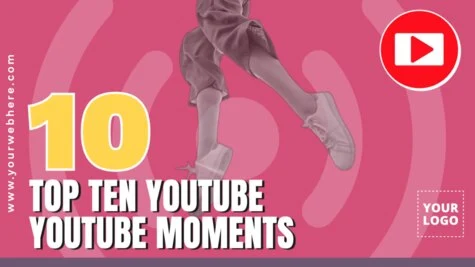
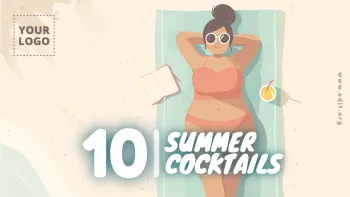
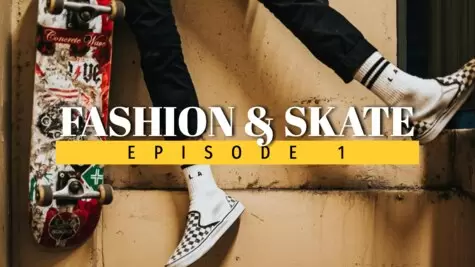
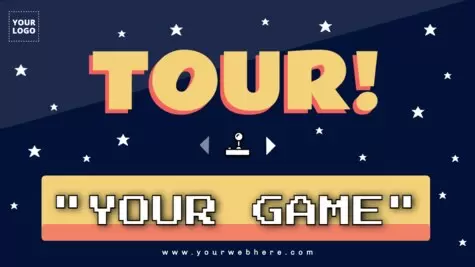
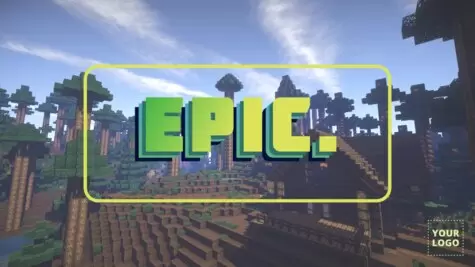
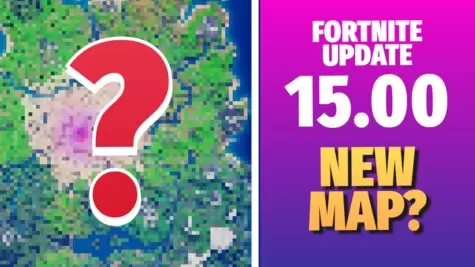
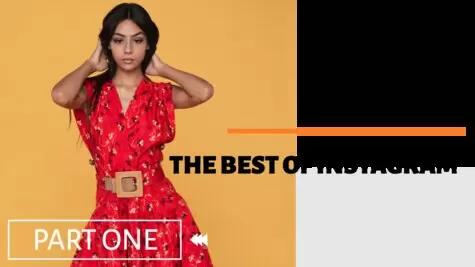
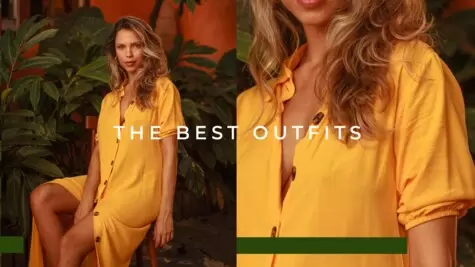
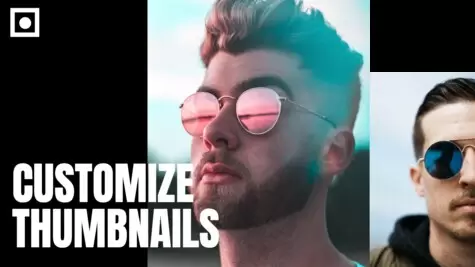
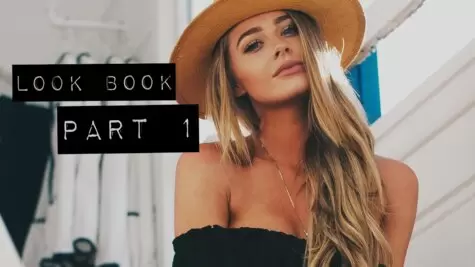
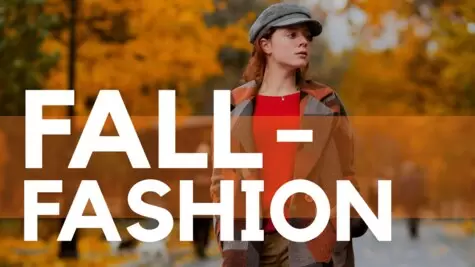
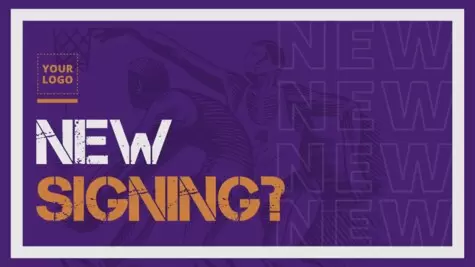
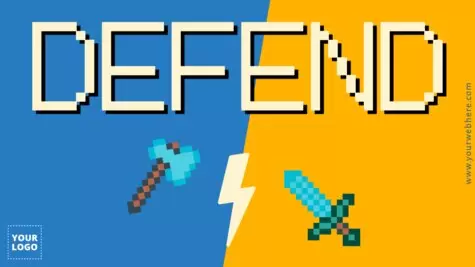
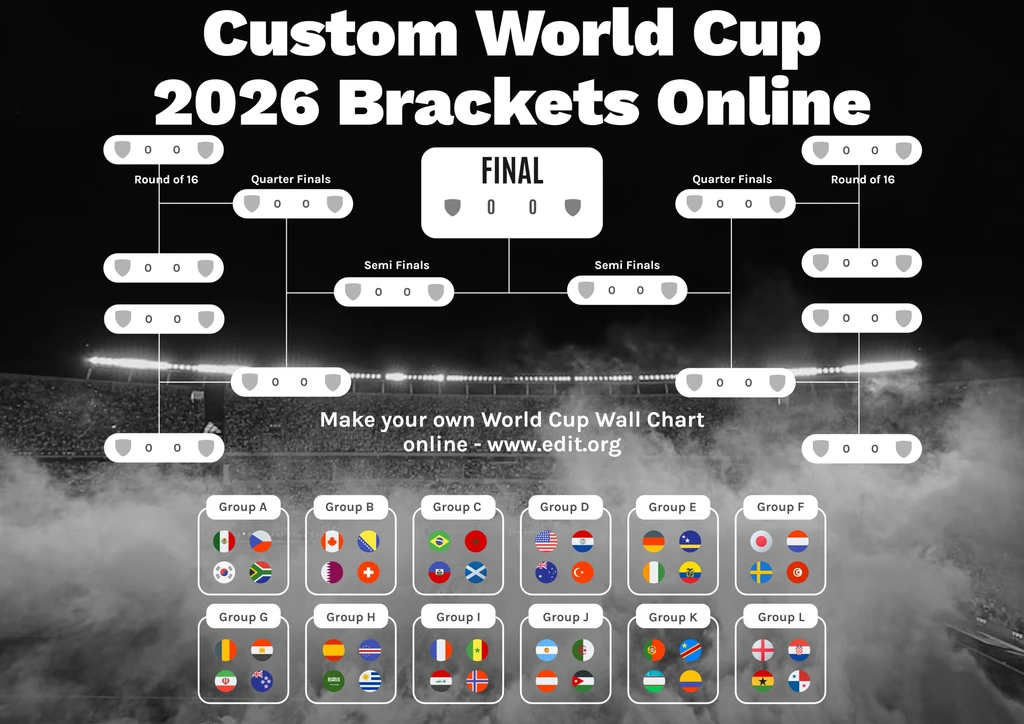
Discover the best YouTube thumbnails for your channel on Edit.org. Personalize them according to your style and personality.
Create YouTube thumbnails online for your channel
If you have a YouTube channel, your videos are competing for views and likes with many others, so it's essential to distinguish your personal brand from other profiles on the platform. A thumbnail is the first impression a person has of your video and the decisive aspect of whether or not they will click on it, so making an aesthetic thumbnail in a few minutes is essential. Edit.org facilitates this by providing you with thousands of templates to make original and eye-catching thumbnails, predesigned to attract users' attention.
Learn how to create a custom Youtube thumbnail to download in seconds. This is a free Youtube views booster used by thousands of users to increase views.
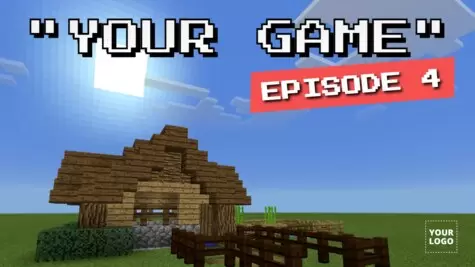
Original Minecraft & Fortnite thumbnails
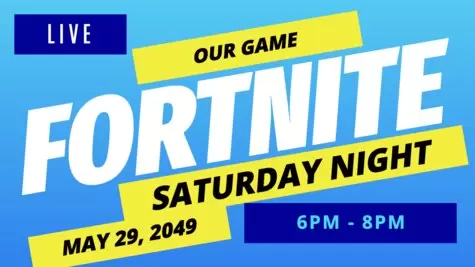
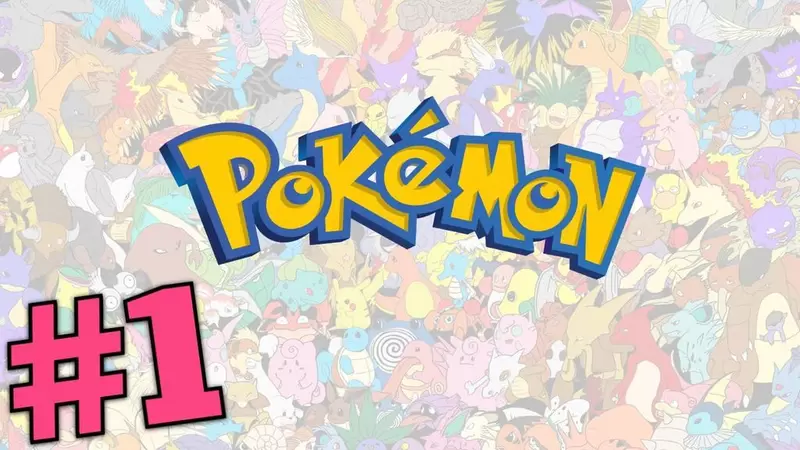
Imagine that you share Fortnite content on YouTube, since you're an experienced player. After you've spent hours in front of the screen editing the video, it doesn't reach a high number of views due to its basic, boring cover image. Furthermore, there are hundreds of similar thumbnails like yours, so users can't distinguish your content. Most of the time, you watch a video based on its thumbnail, so creating an impressive image is essential.
Edit.org wants to be the solution in such situations. It offers thousands of stunning, free templates that are customizable in a few minutes with all types of elements, filters, high-quality images, colors, and font styles. You can also save your previous designs to reuse them later and then follow the same style pattern in all your videos to create a personal brand. By doing so, users will recognize your channel by just seeing the thumbnail.
How to make YouTube thumbnails to download
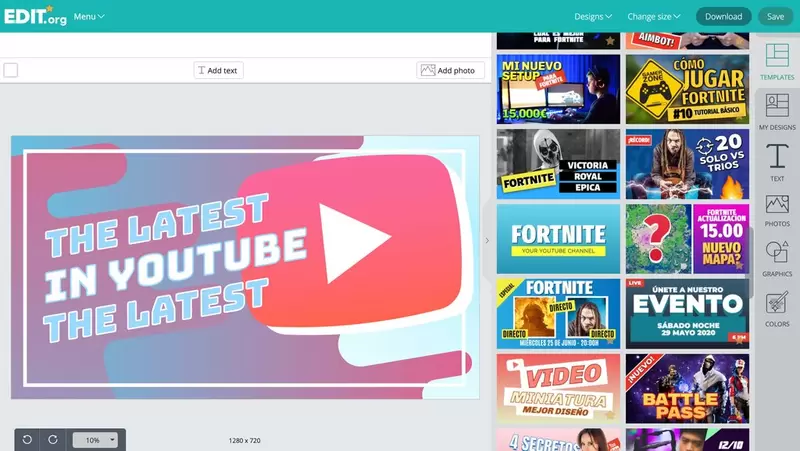
- Go to the editor and scroll down to find thumbnail templates, or click on any design in this article.
- Choose the template that suits your YouTube channel.
- Insert different texts, icons, stickers, filters, colors, and logo.
- Download the file in the format you need: JPG, PDF, or PNG.
- Insert the image as your video cover image and boost the number of viewers.
On the editor you will also be able to create an exclusive channel art for your YouTube channel, totally customizable according to what you do.
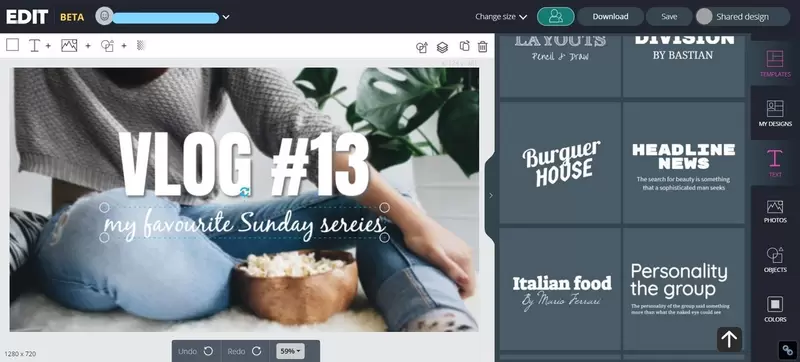
Personalized YouTube video thumbnail images
Unlike other online platforms that require some experience to manage due to their complexity, Edit.org is an easy and intuitive tool. You won't need to hire any professional designer, which is expensive and takes some time. These are some of the options the editor offers:
- Change the background image: Choose a screenshot of your video or an image that describes it and catches its essence. The higher the quality and resolution, the better the final result will be.
- Change the text font, style, and size: Check the hundreds of styles available and modify it with a click. The most crucial part is to have a clear message of what you want to convey to users.
- Add objects: The objects will help catch users' attention. You can search among our proposals or upload the ones you want. Don’t forget to always include your logo if you have one.
- Change the colors: Change the text and elements color as needed. A great color combination will captivate your audience.
- Apply filters: For a better final result, apply the photo filters you want, such as sepia, black & white, contrast, or blurred.
- Add emojis: Another great option is to add emojis to your thumbnails. They act as a brief preview of the video content, offering insights into the possible reactions it might elicit. Choose a thumbnail emoji that represents you, and incorporate it into all your videos, establishing a unique identity. Explore the best emojis for thumbnails on the editor!
Remember that you can use the bulk editing tool to change the title of all your thumbnails at once while keeping the same design. You just need to copy your list of video titles and paste it into the editor’s text box. All the thumbnails will be downloaded at once!
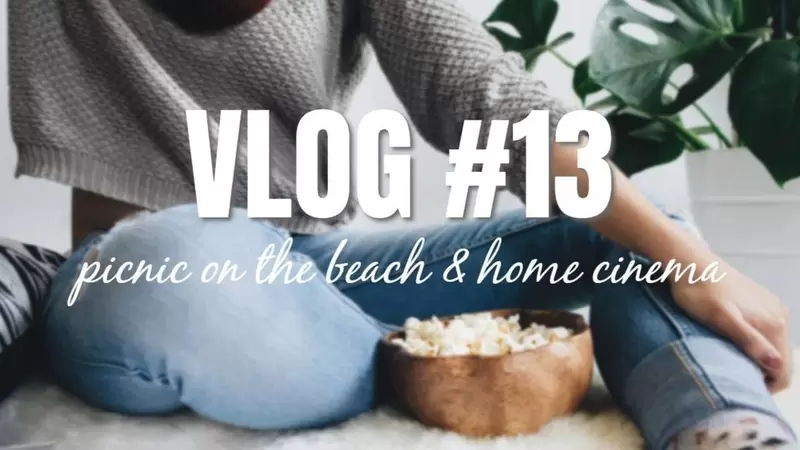
Online graphic editor for your YouTube images
The editor, apart from offering designs for all types of videos, has many advantages for the user. Since it's online, for example, you can access it through any electronic device with Internet access, including cell phones or tablets, Android and IOS, at any time of the day. You won't have any size or file compatibility problems, since all the templates are designed with the appropriate sizes for YouTube. Also, by using the editor’s free AI, you can resize the design to any format you need.
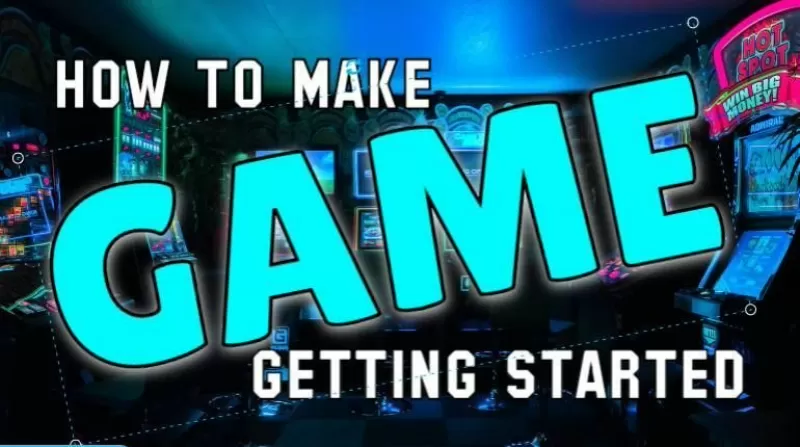
Finally, remember that the editor has the option to save your creations within the user's profile in order to keep a similar style in all the designs, which will help you create your own personal image and give you visibility. This way, when someone sees one of your thumbnails, they'll know it's yours because they've already seen other videos like it.