See the designs
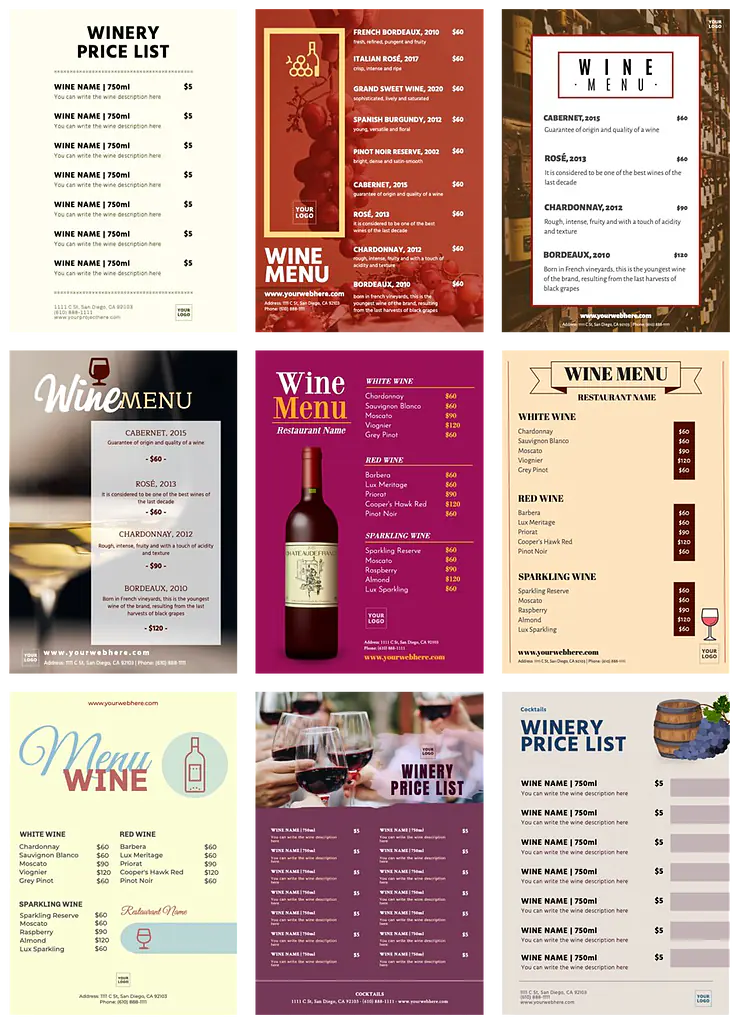
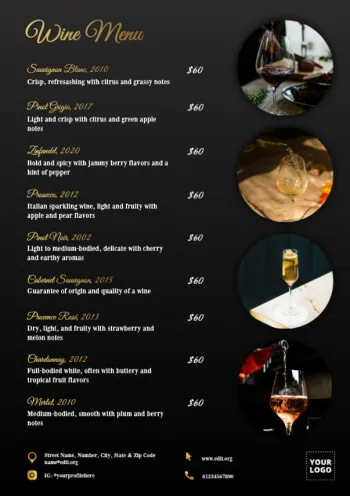
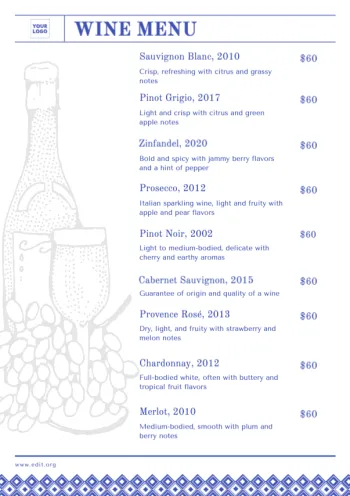
Use the pre-designed wine menu templates from our online graphic editor Edit.org and create your own wine lists in just some minutes.
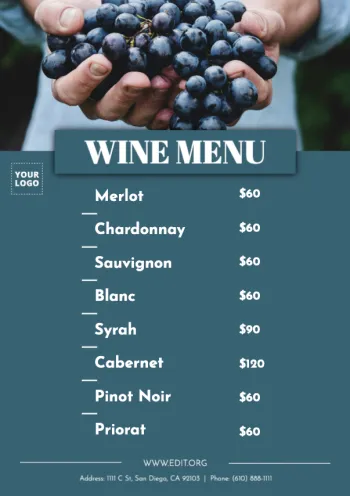
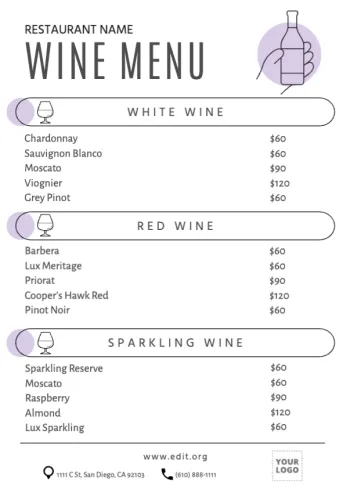
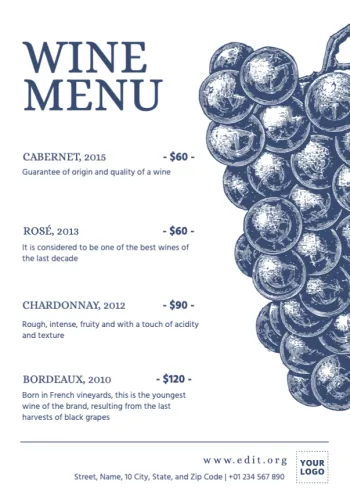
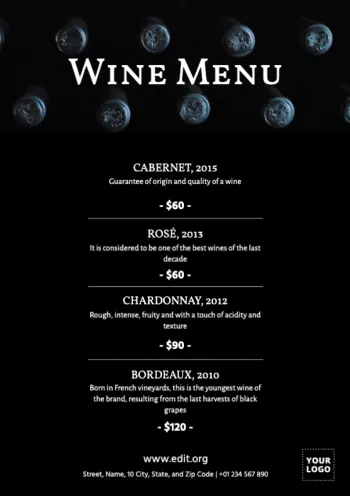
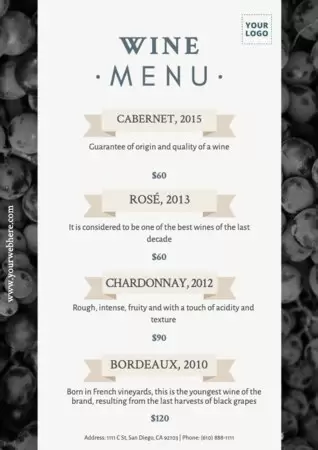
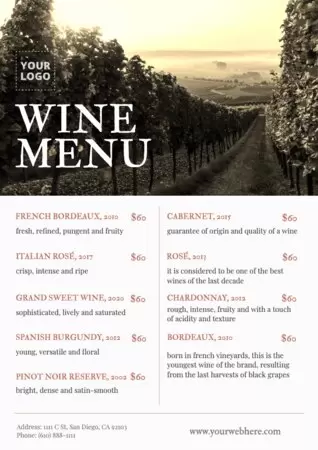
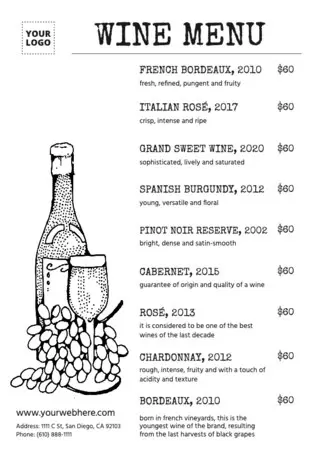
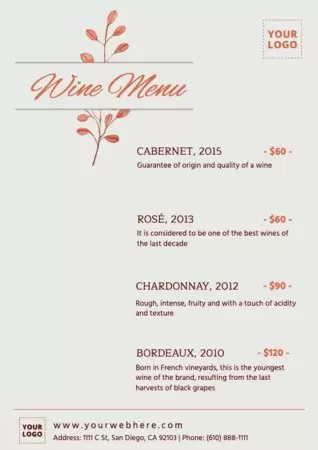
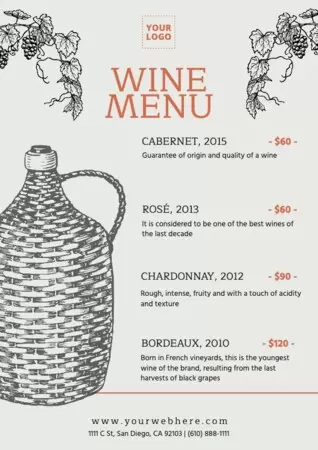
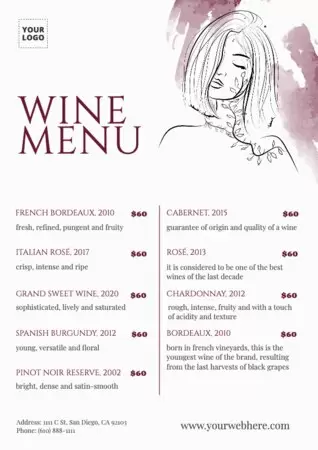
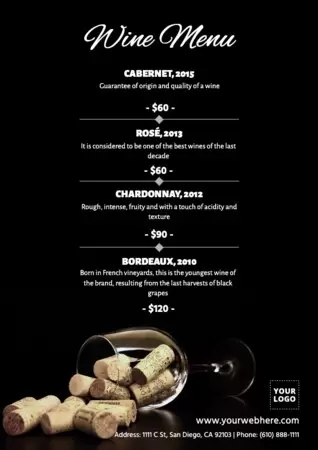
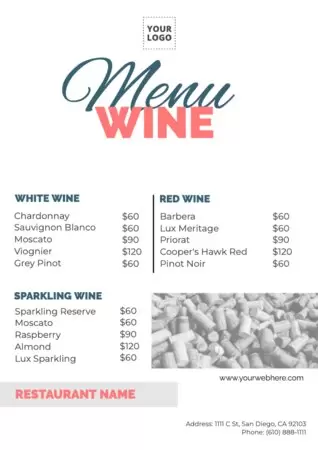
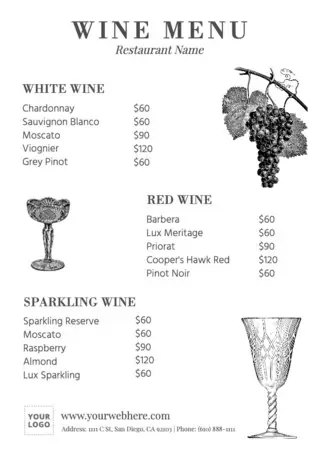
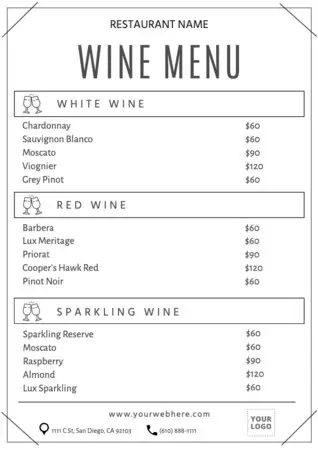
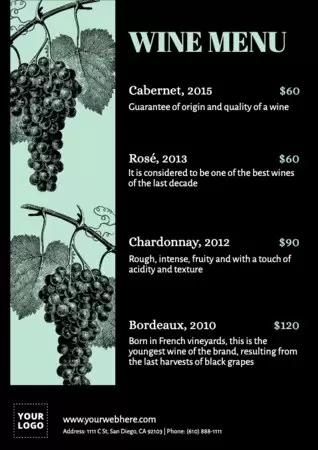
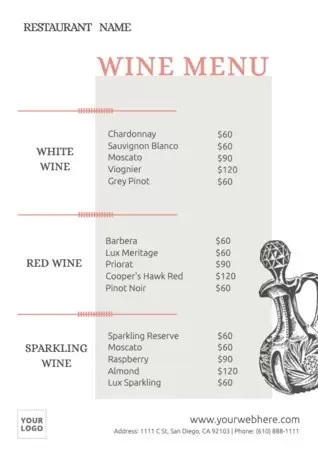
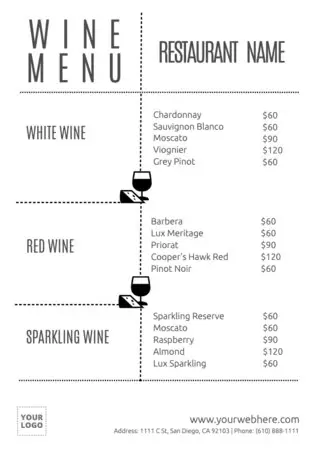
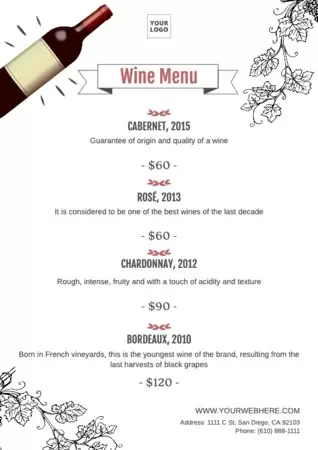
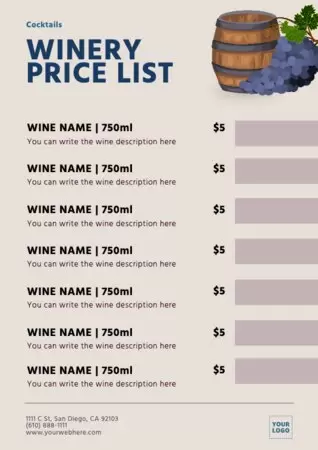
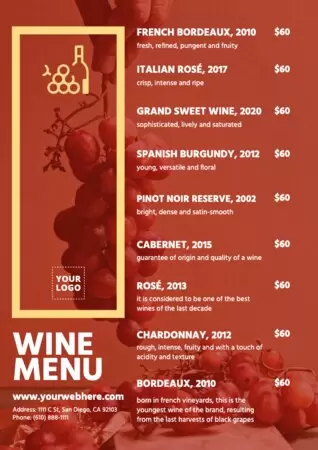
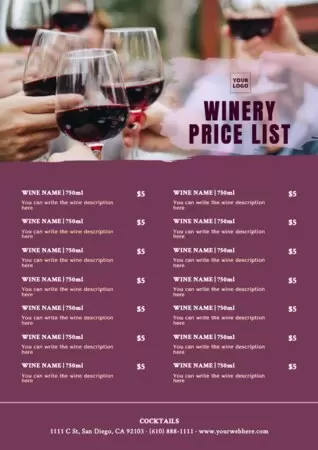
Load more templates +
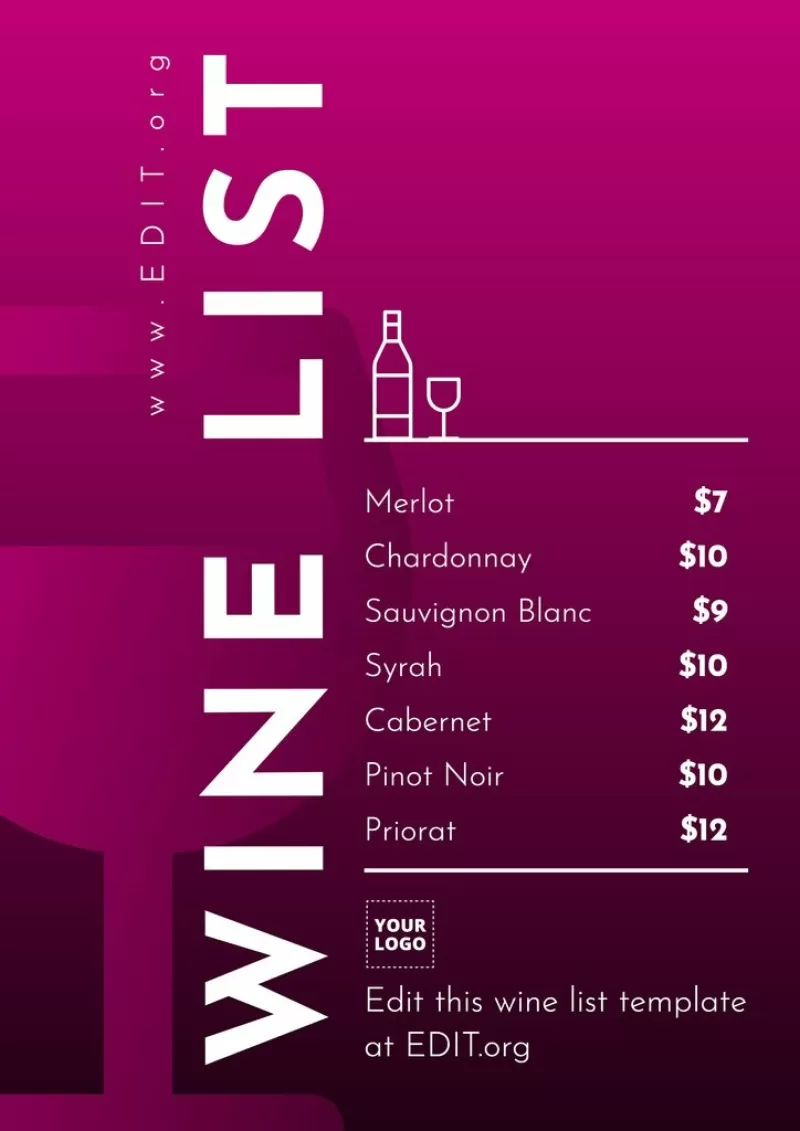
Create a wine list for your restaurant
Selecting wines for a wine list can be much easier if you have the possibility to easily create new versions. Use the templates of our editor to create your wine selection. You can print it or publish it on your website, with QR code access and modify it according to the season, your customers' favorite drinks or the stock you want to sell.
In the editor you can find wine menus for your restaurant, wine tasting menus for your bar or for selling your wines in your online store.
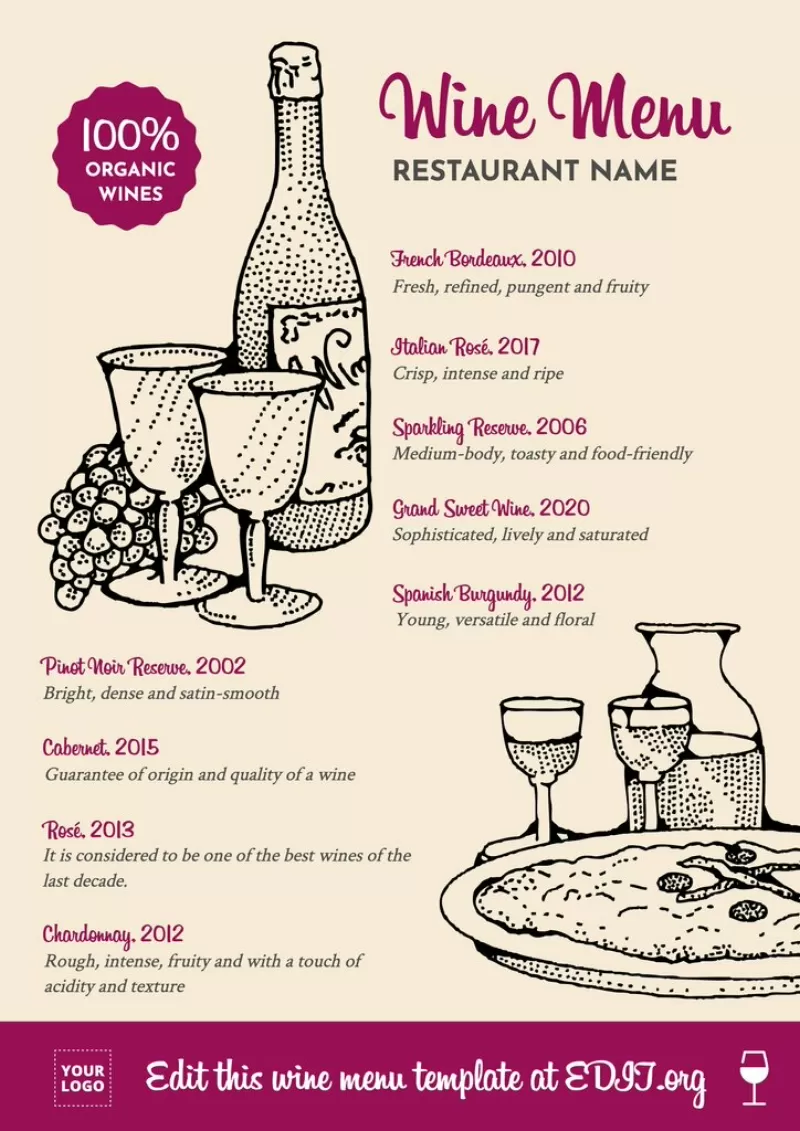
How to make wine lists with Edit.org online editor
Follow these steps to create one:
- Select a template from the design collection samples
- Edit the text
- Change the background with your corporate colors, choose a stock photo from our image bank or upload a photo from your device.
- Add your logo, icons or graphic elements of your choice
Easy as that! Save the changes online and download your wine list in JPG, PDF or PNG format.
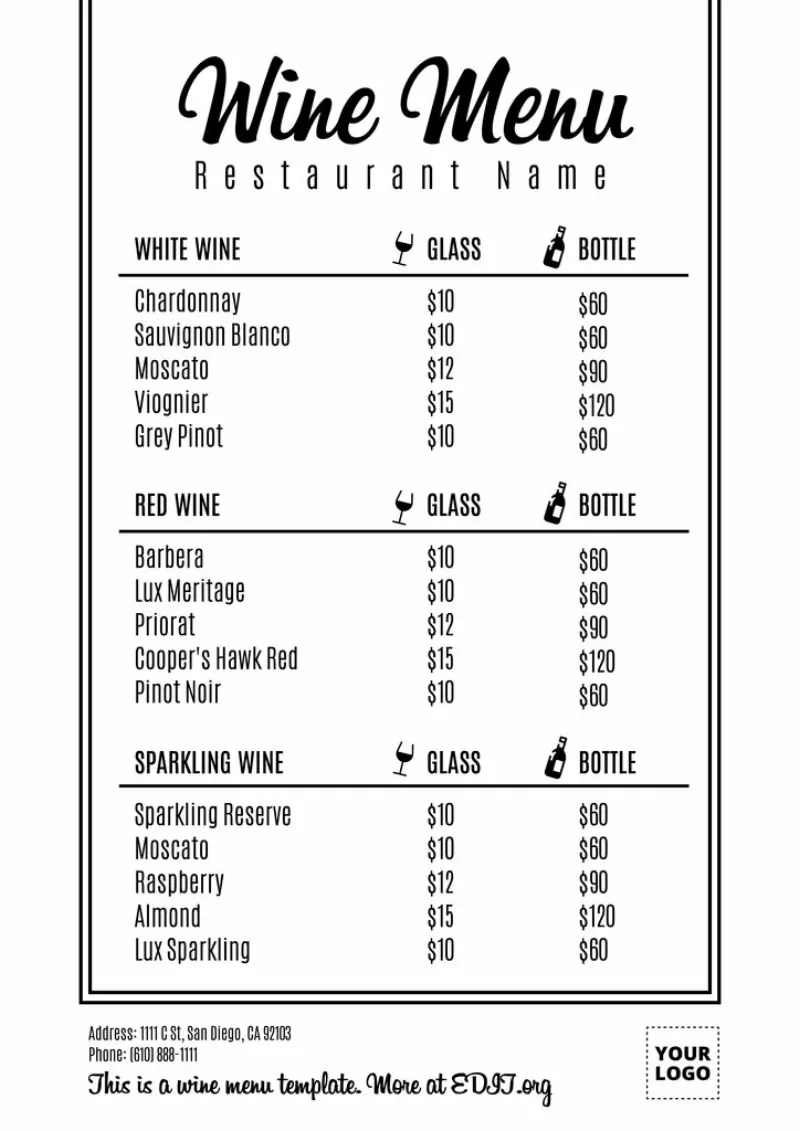
Use the wine menu templates to print or share online
That's it, you have your menu ready to print, publish on your website or share online on social networks :)
And you don't need any design skills. You will see that making a menu for a wine pairing event or a wine night at your winery is very easy, as easy as editing a Microsoft Word document, but with professional results, since our graphic designers have created the template designs. And remember that you can make as many versions as you want for free.
Don't wait any longer. Pour yourself a glass, enter the editor and enjoy creating your online wine list in a matter of minutes.