Create Context Diagram Online
Create a context level data flow diagram without any app. Modify colors, text, arrows, and ellipses as needed. Access our free online editor and design your own context diagram sample to print in HD or banners to share online.
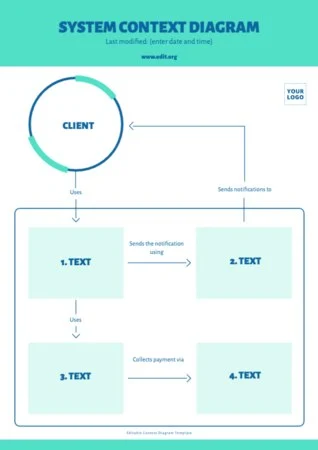
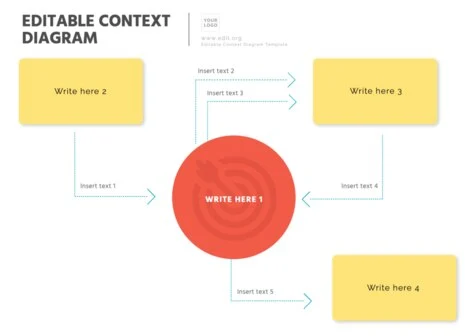
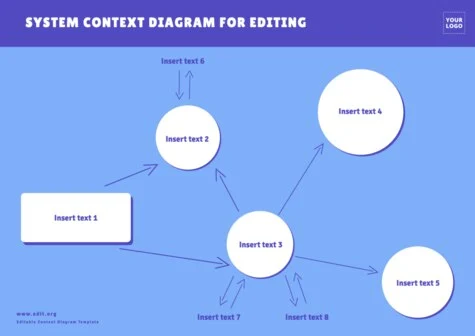

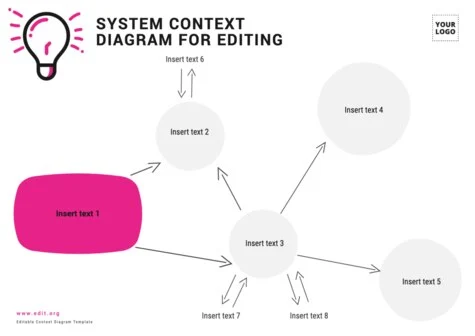
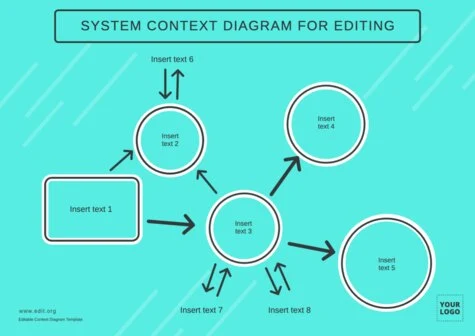
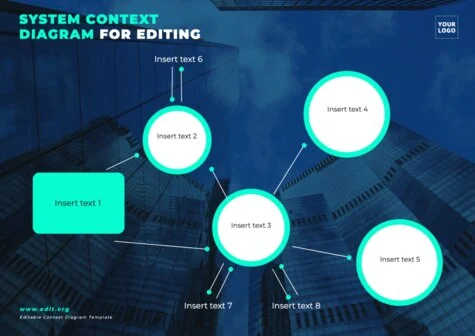
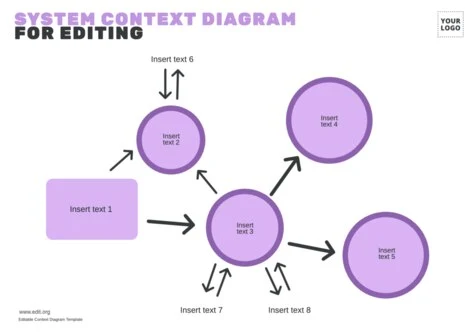
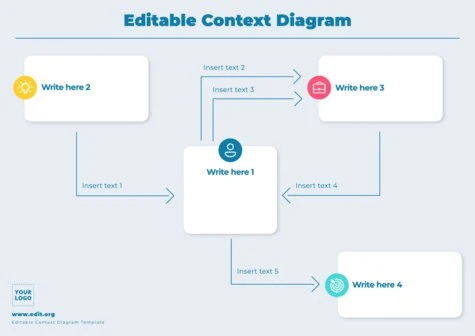

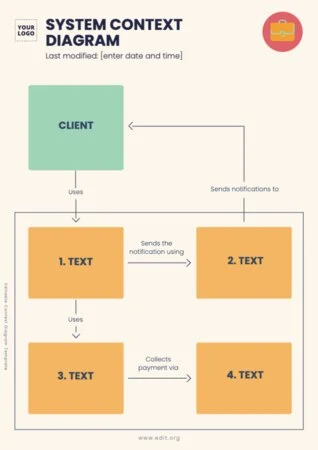
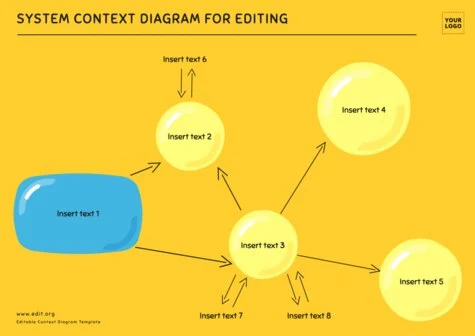
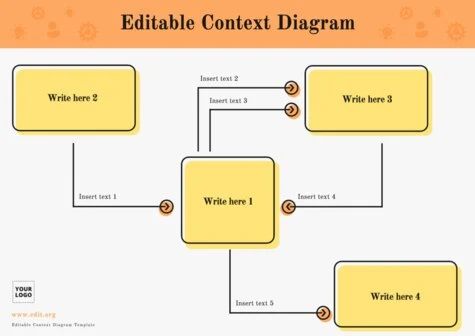
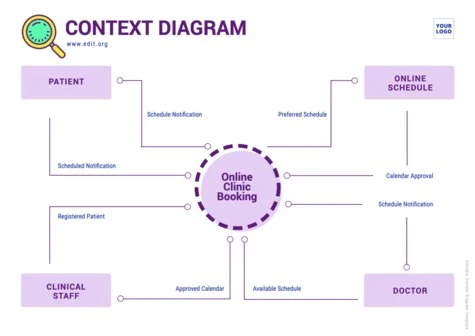
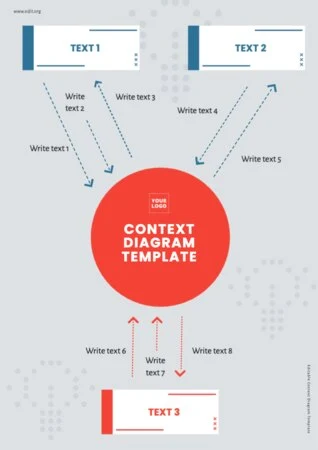

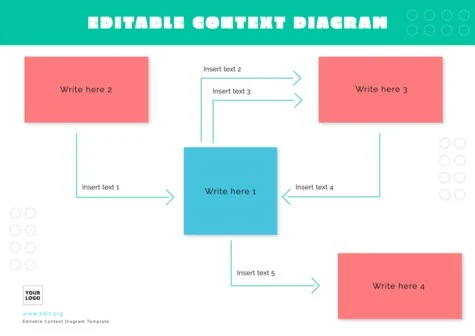

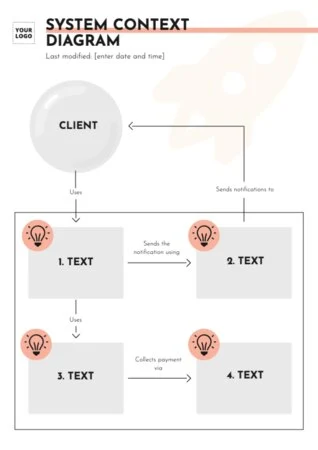
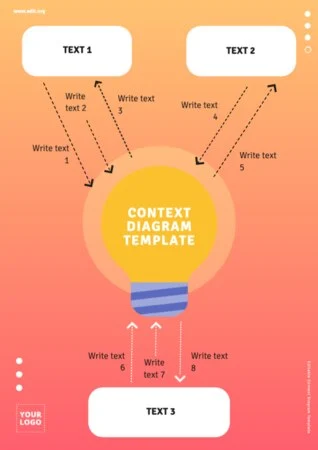
Load more templates +
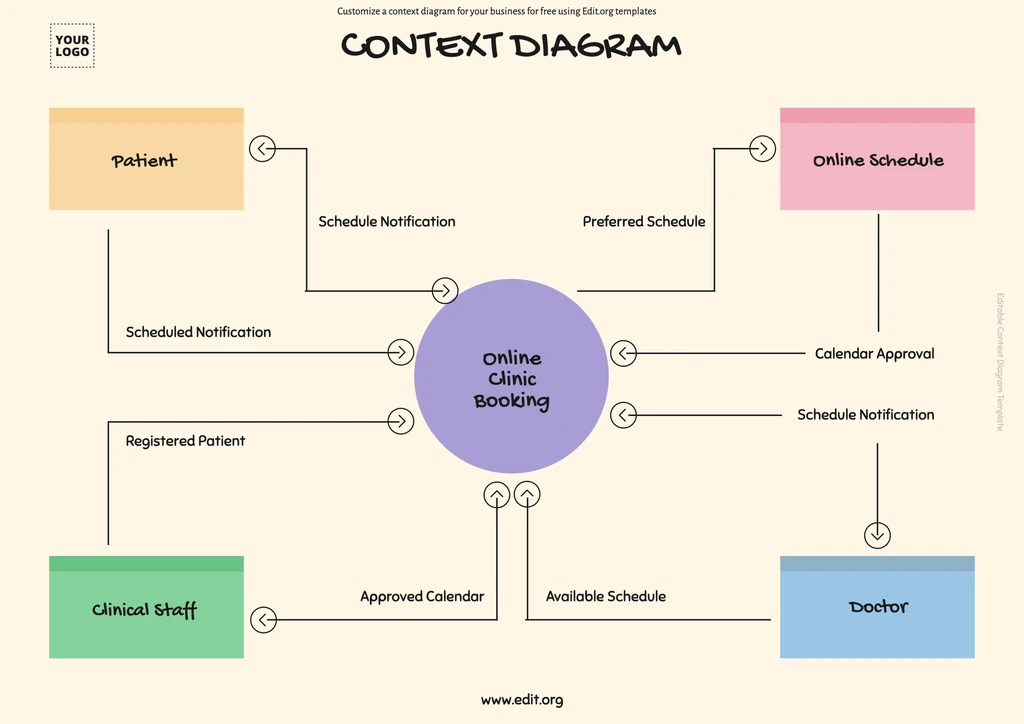
Free Online Context Diagram Maker
Discover our system context diagram tool with online editable templates. Customize your context level DFD diagram easily from your phone, tablet, or computer.
Click on each detail you want to modify in your UML context diagram to present it at work, share it on LinkedIn, or download it for students or textbooks.
Here's how to make an online ordering system context diagram with online templates!
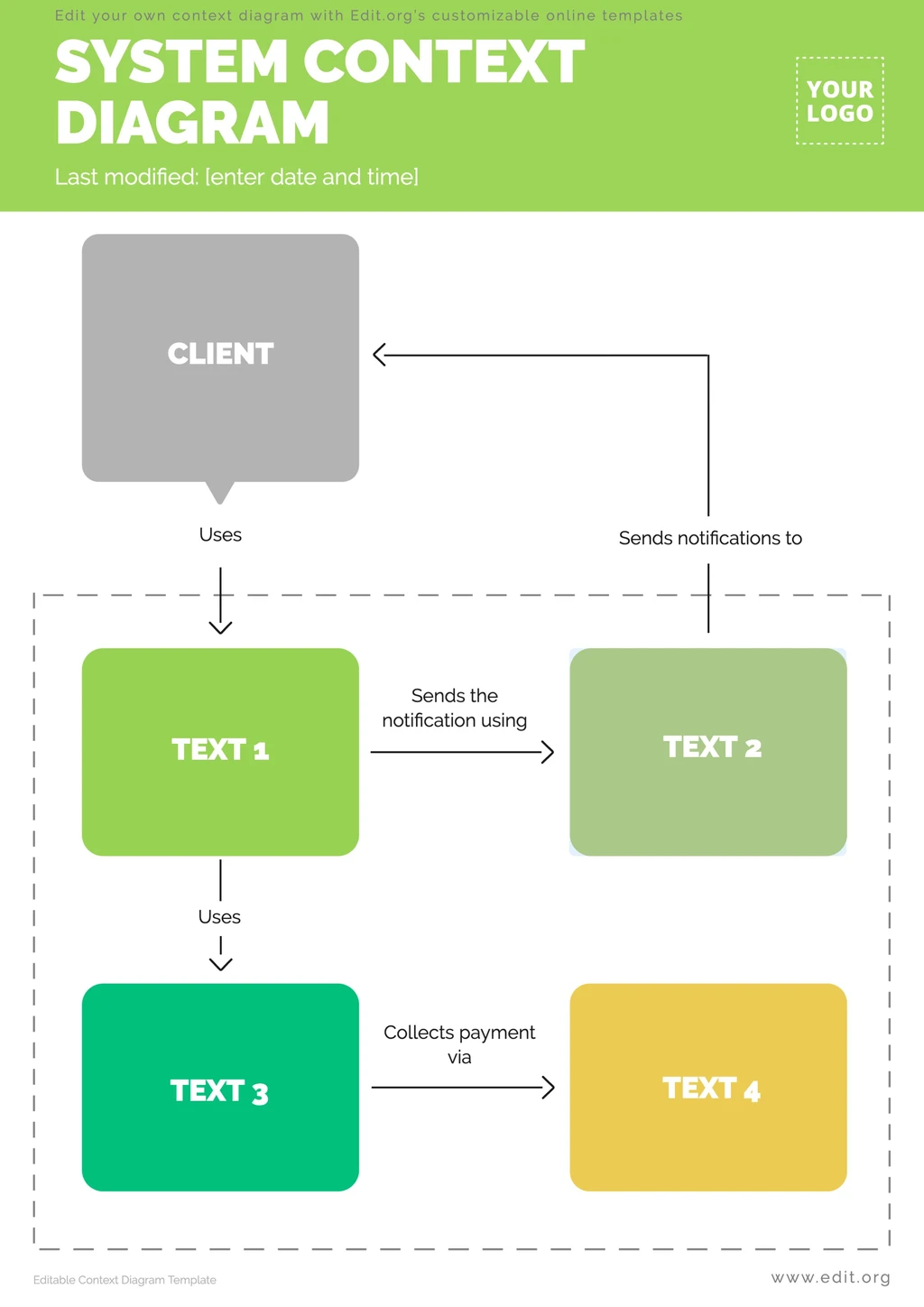
How to Edit a Context Model Diagram for Free
See how easy it is to edit a product context diagram template!
- Click on a program context diagram in this article. At the end of the article, you will find more context level diagram examples.
- Customize every detail of your context data model examples: colors, arrows, text... whatever you want!
- Save your technical context diagram template in your account to update whenever you want.
- Download the final data context diagram in JPG or PNG format to share digitally, or in PDF format to print.
That's it! You can also customize Mekko diagram templates or Venn diagram templates.
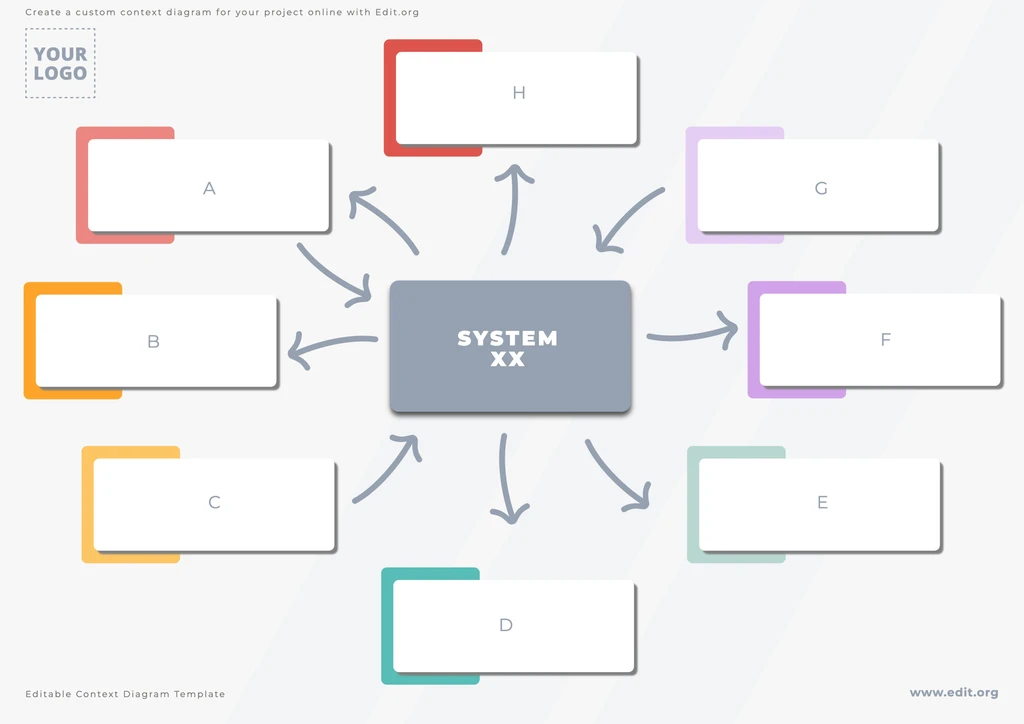
Customize a Systems Diagram Template in Minutes
Create a perfect operational context diagram by moving and dragging shapes and symbols such as ellipses, rectangles, and arrows. Make it understandable for all types of audiences.
Tip! If you use multiple layers of diagrams, ensure data flows and actors are consistent across all levels.
You can also involve stakeholders to ensure that the diagram accurately reflects the interactions of the system to be created or studied.
Download Business Context Diagram Templates
What is a context diagram? It is a graphical representation in outline format that shows interactions and their external environment.
Who uses them? Analysts, developers, project managers, end users, etc.
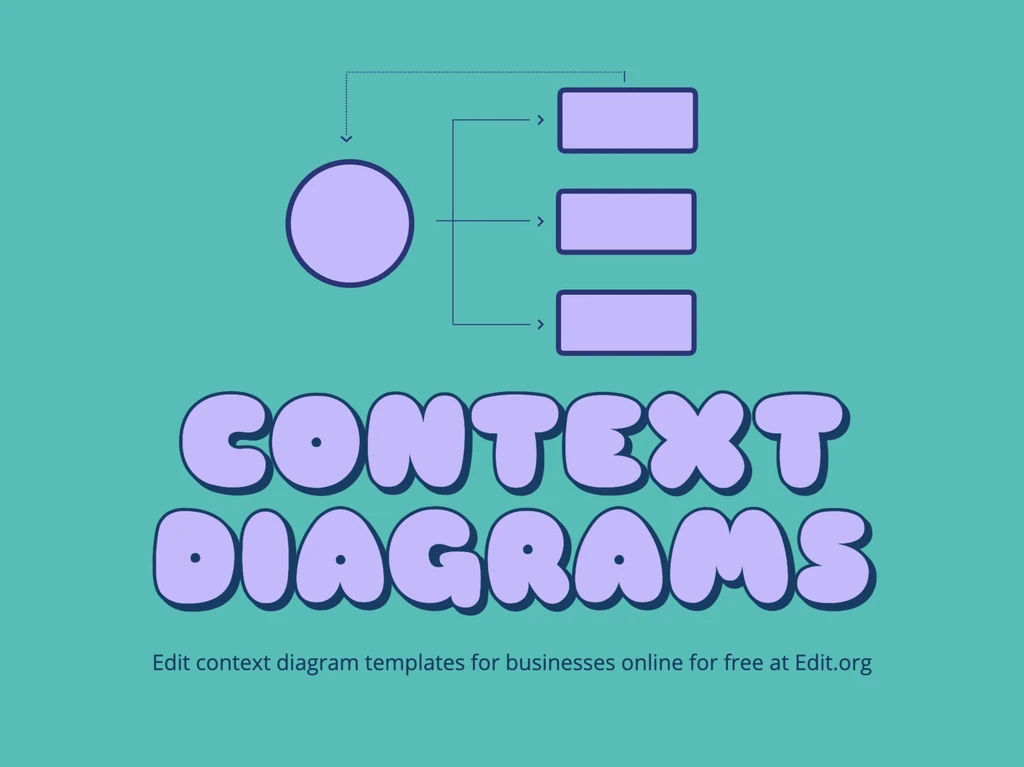
What is the structure of context diagrams? They consist of a central system, external actors, and data flows.
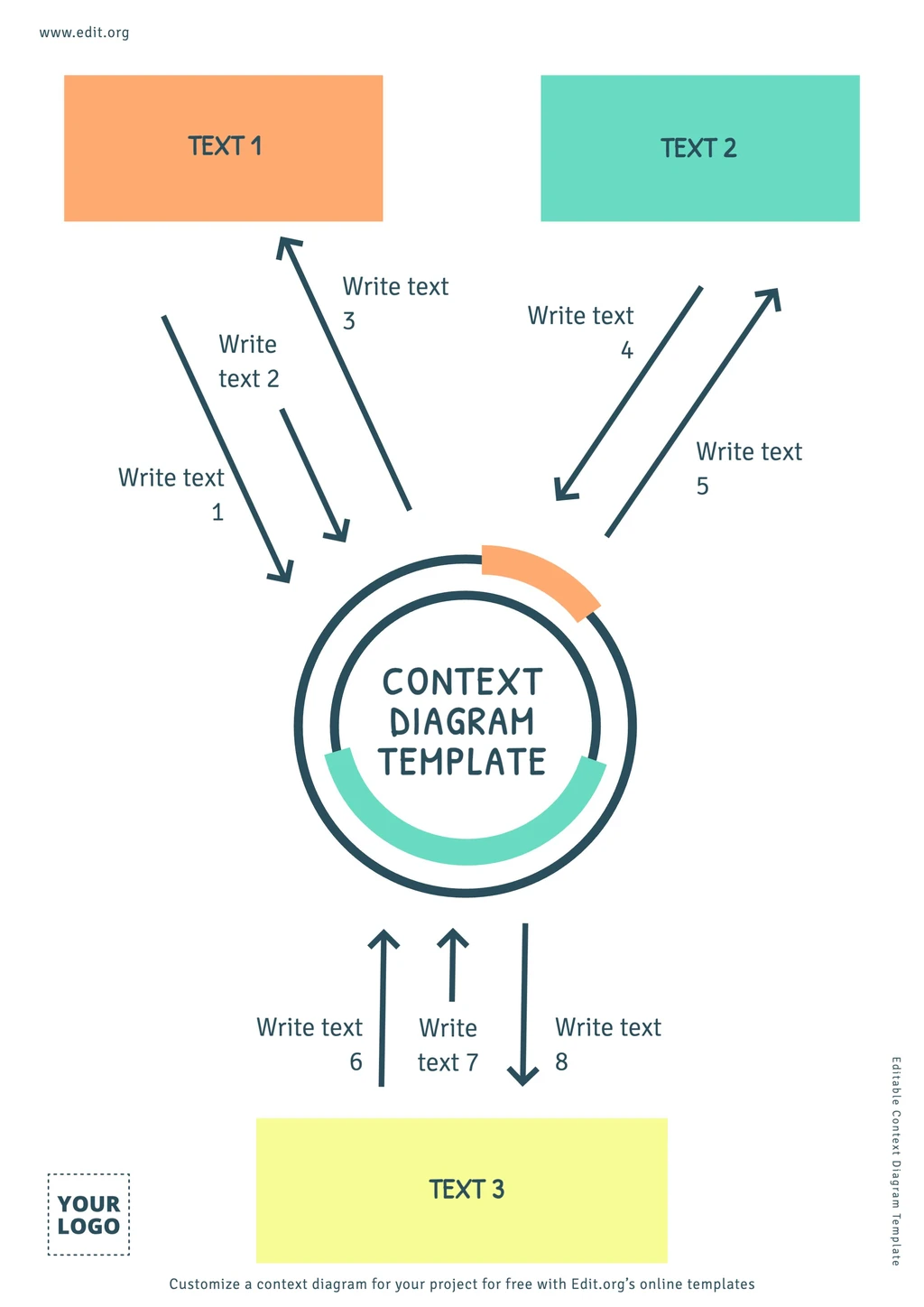
Editable Context DFD Examples to Customize Online
Let's look at an example. Imagine you are designing a reservation system for apartments or a restaurant. The central system would be the reservation management software, while the external actors would be:
- Customers: people who dine at the restaurant or stay at the apartment.
- Payment system: the app that processes the customer's payment.
- Administrator: the person responsible for checking and managing the reservation.
- Notification system: the application that sends reservation confirmations to the customer who requested them.
Show the system in the center, and arrows indicating the flow of data between the system and these actors in its structure.
Enter our intuitive editor now and create a context flow diagram with editable examples!