See the designs
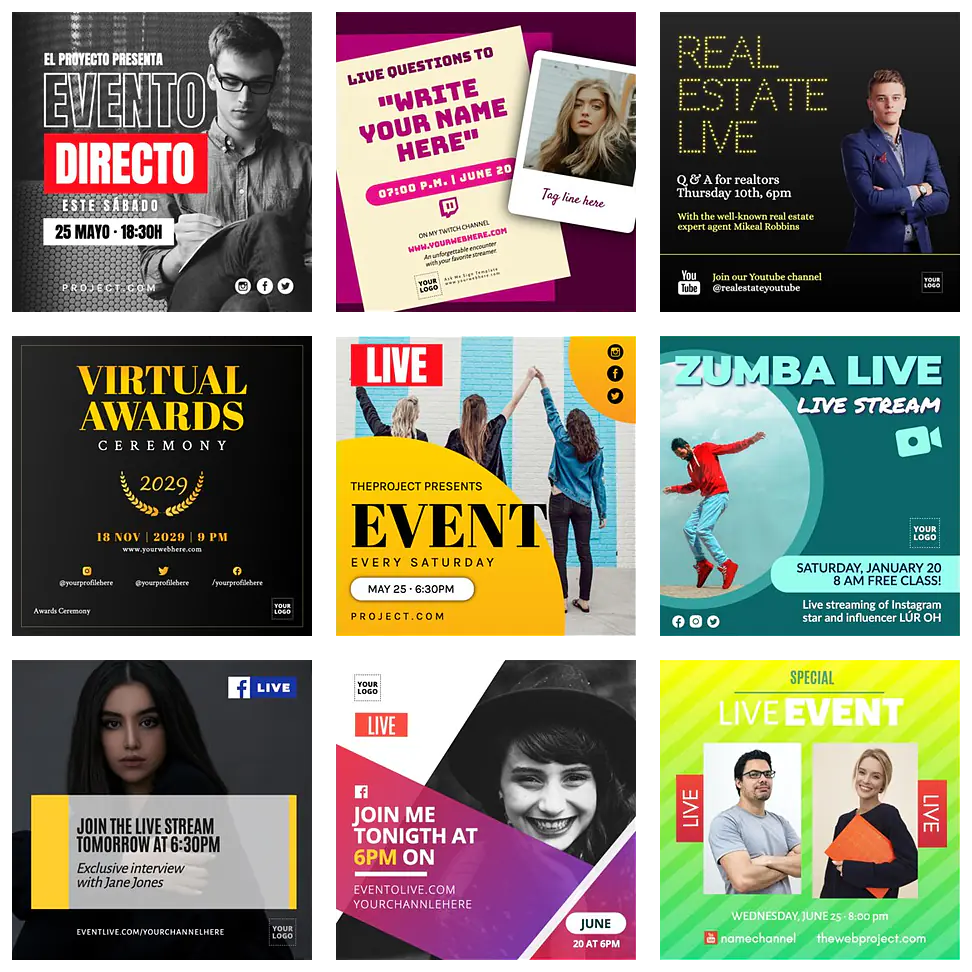
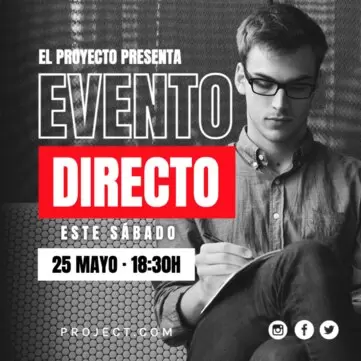
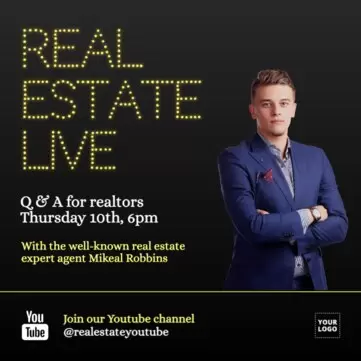
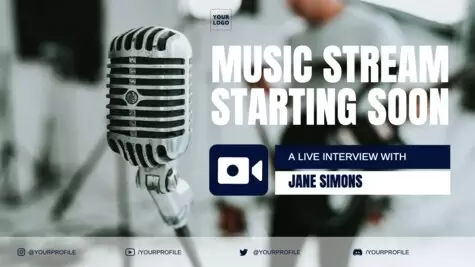
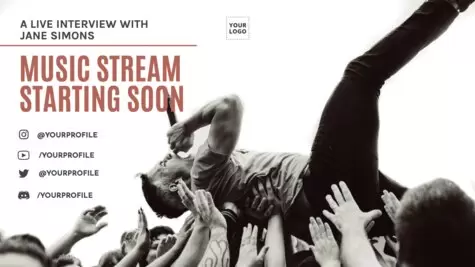
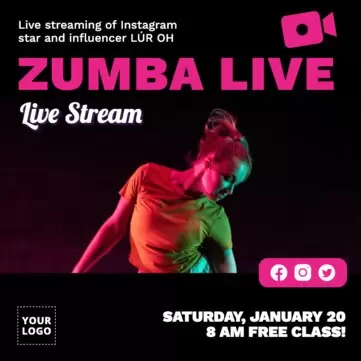
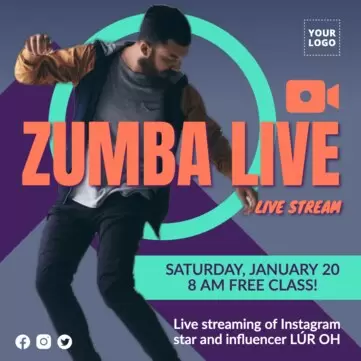
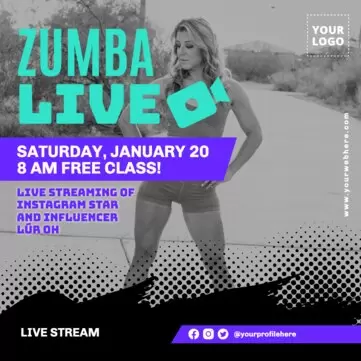
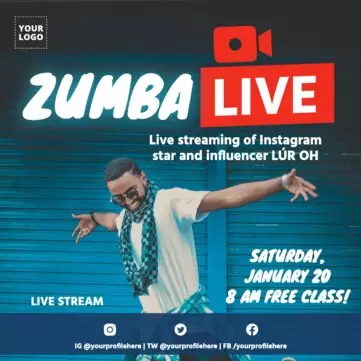
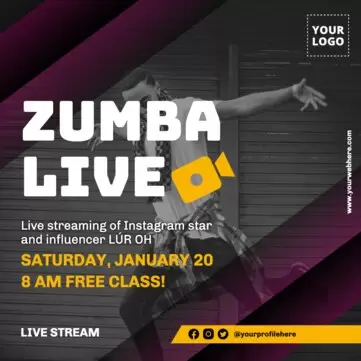
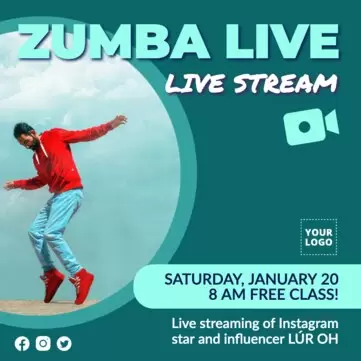
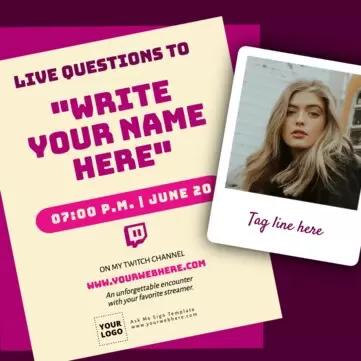
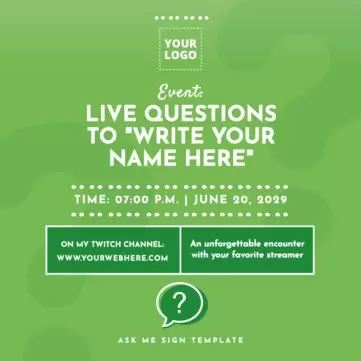
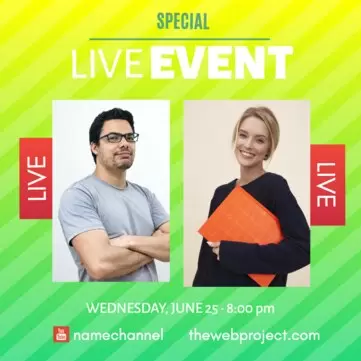
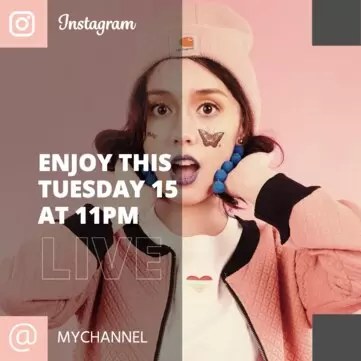
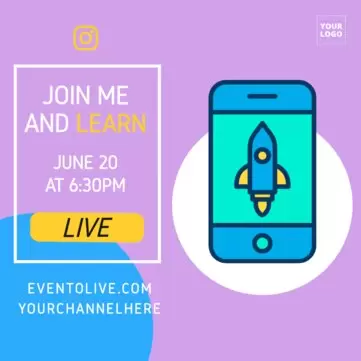
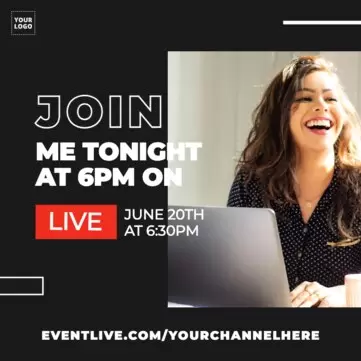
Customize one of the following Edit.org templates to promote your live event on social networks and recruit a large number of users.
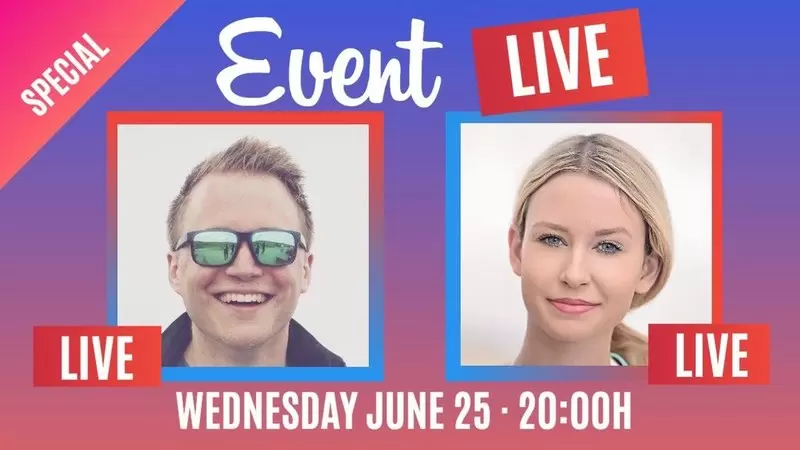
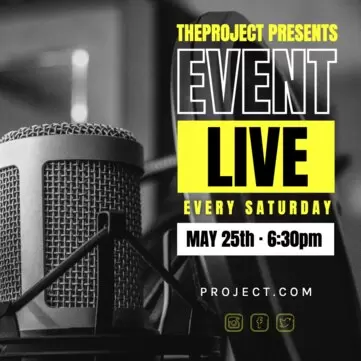
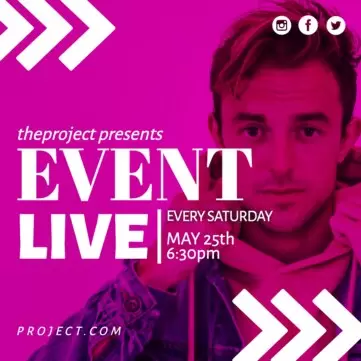

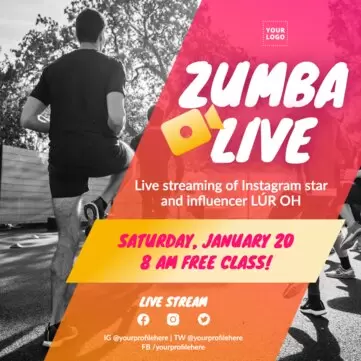
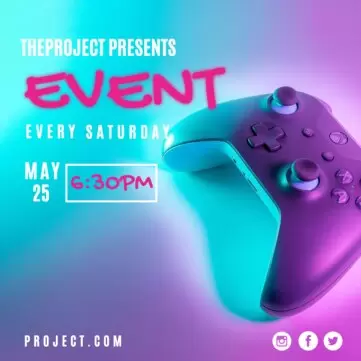
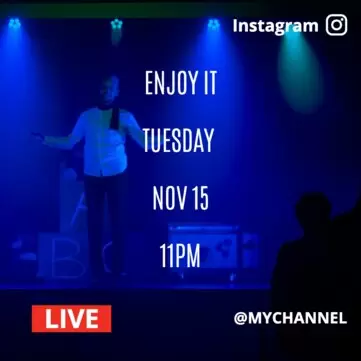
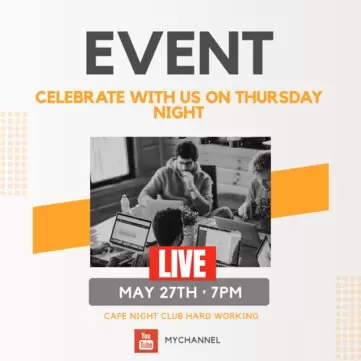
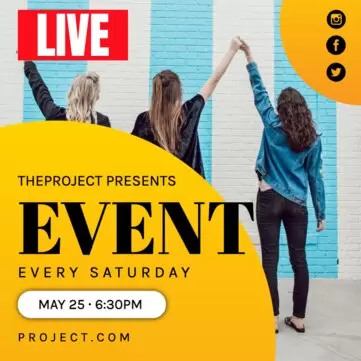
Load more templates +
Customize live event invitation templates
If you are organizing a webinar, a talk, a theater show, a sports event, a concert, or even a digital event for gamers, communicate it in advance and in an effective way. The best communication to capture your audience is online, using your newsletter or social media.
The key to successful live streaming assistance on networks like Instagram or Facebook is good communication, with the right image for each message, so on Edit.org we have prepared some tips and templates to promote the event in the best way possible. We also recommend other social media platforms such as Twitter, LinkedIn, or even YouTube with which you will quickly reach your audience.
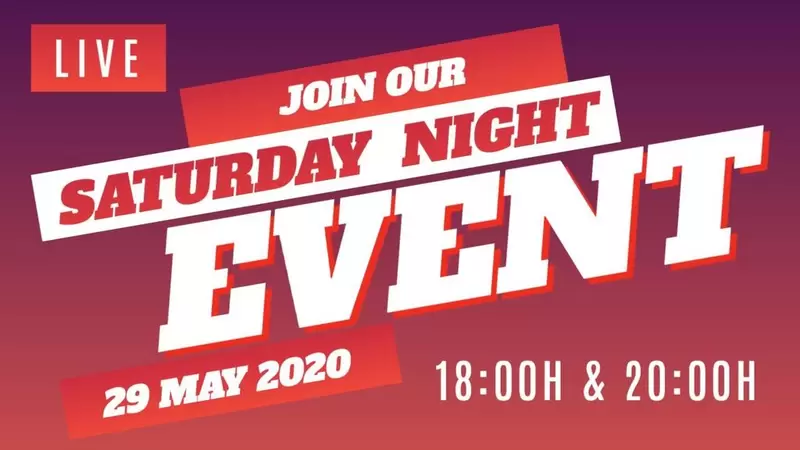
Edit a template for your event with Edit.org
- Click on any image of this article or go to the editor to get started
- Select the template you want to edit
- Customize it with images, texts, elements, and logo
- Save the changes and download the composition in JPG, PNG or PDF format
- Share the final result on social media
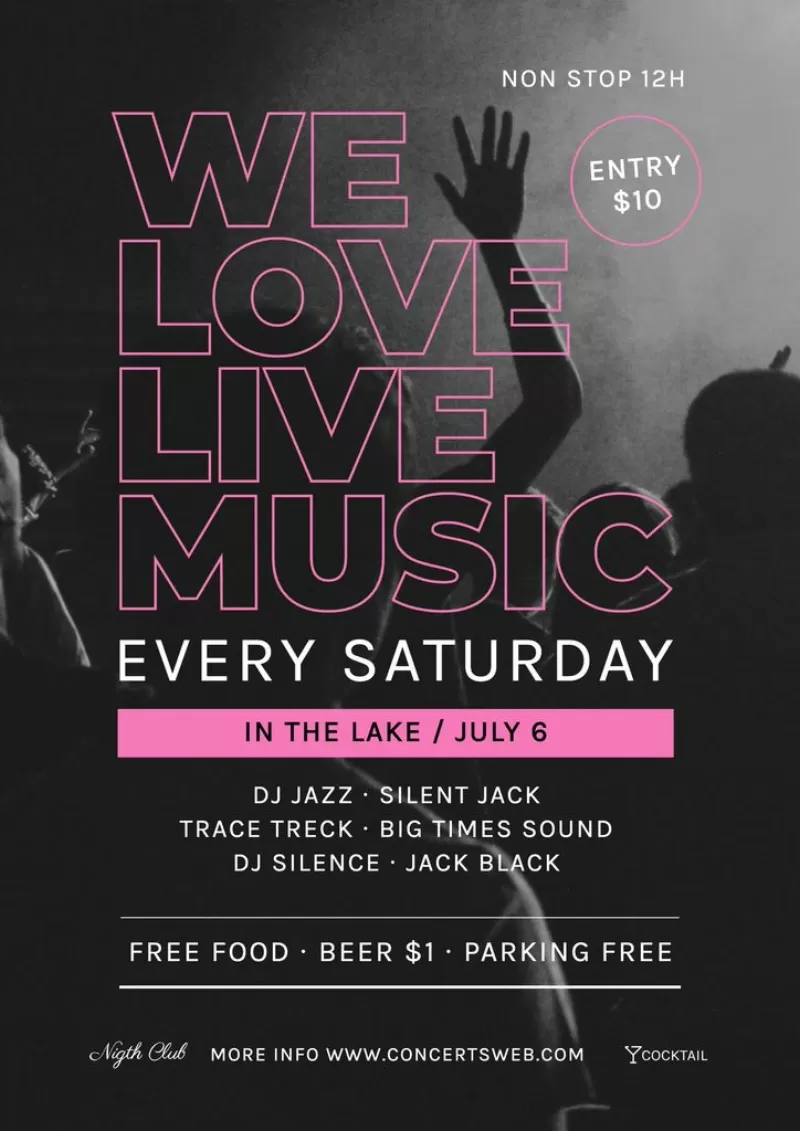
Edit.org editable designs for live events
- Launch the event. The sooner you make it known, the better so that those who want to attend can save the date and time on the calendar (remember to put what time zone you are referring to since people from all over the world can connect). You do not need to give all the details, but at least include the title, the subject, the people behind it, and the date.
- Place a reservation or ticket sale. It is in this conversion phase in which you will need to convince potential attendees to commit to coming, signing up for a list, or buying a ticket.
- Send some reminders before the date. They are useful for both those who signed up and for people considering whether to register or not.
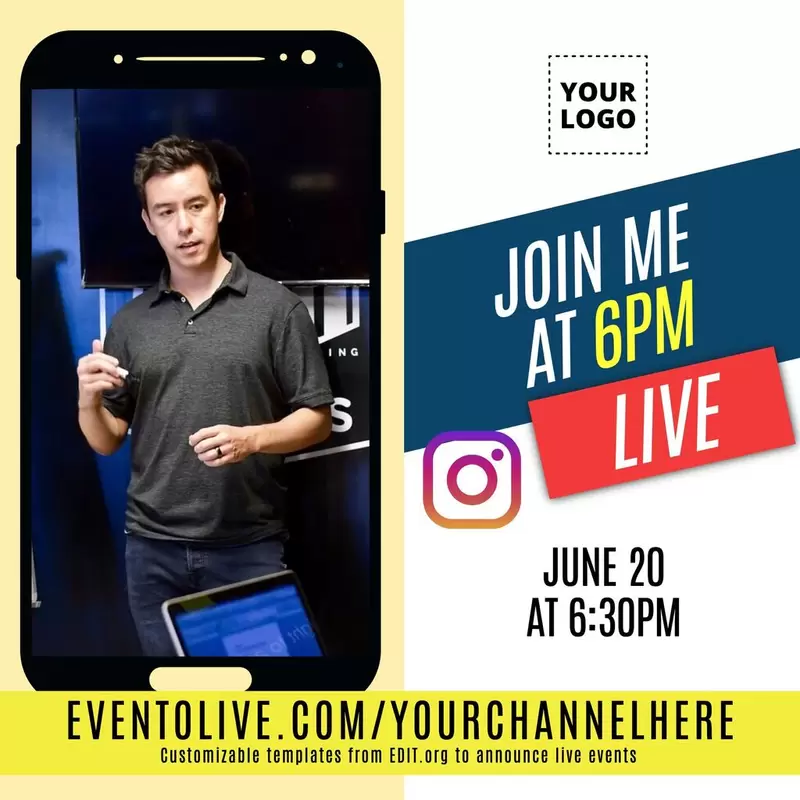
- Communicate during the live event. Create a small guide with images and texts to introduce what is going to happen during the event. It can include some instructions or rules if needed. Your attendees can also save it as a memory.
- Once it finishes. A great way to reinforce your brand and get the most out of the experience is to send a small summary or an image to thank participants. Also, share on social networks some of the event moments, and thank people who have attended.
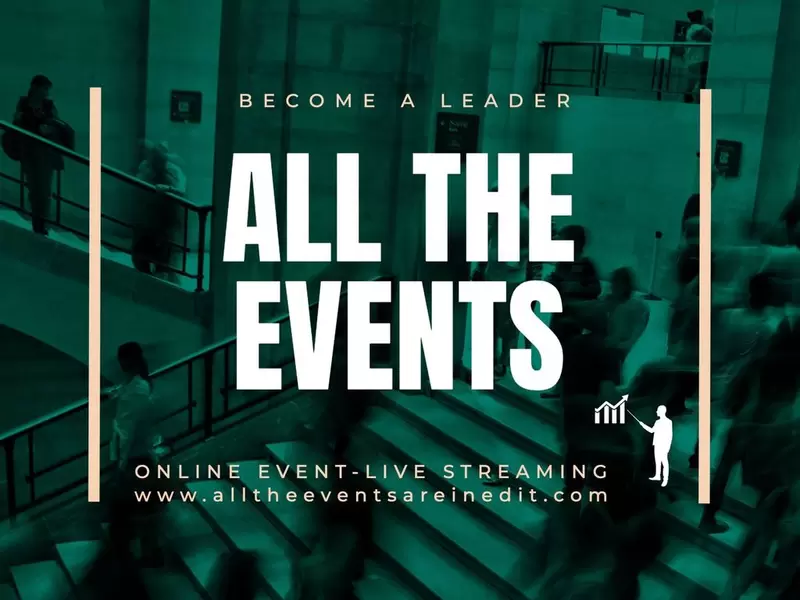
If you want to monetize, we recommend preparing coupons or discount vouchers for attendees. They can help increase the sales of your business since they will be more predisposed to acquire your products or services. Create a special offer or promotion that fits with the experience you prepare, be it a workshop or a live presentation.
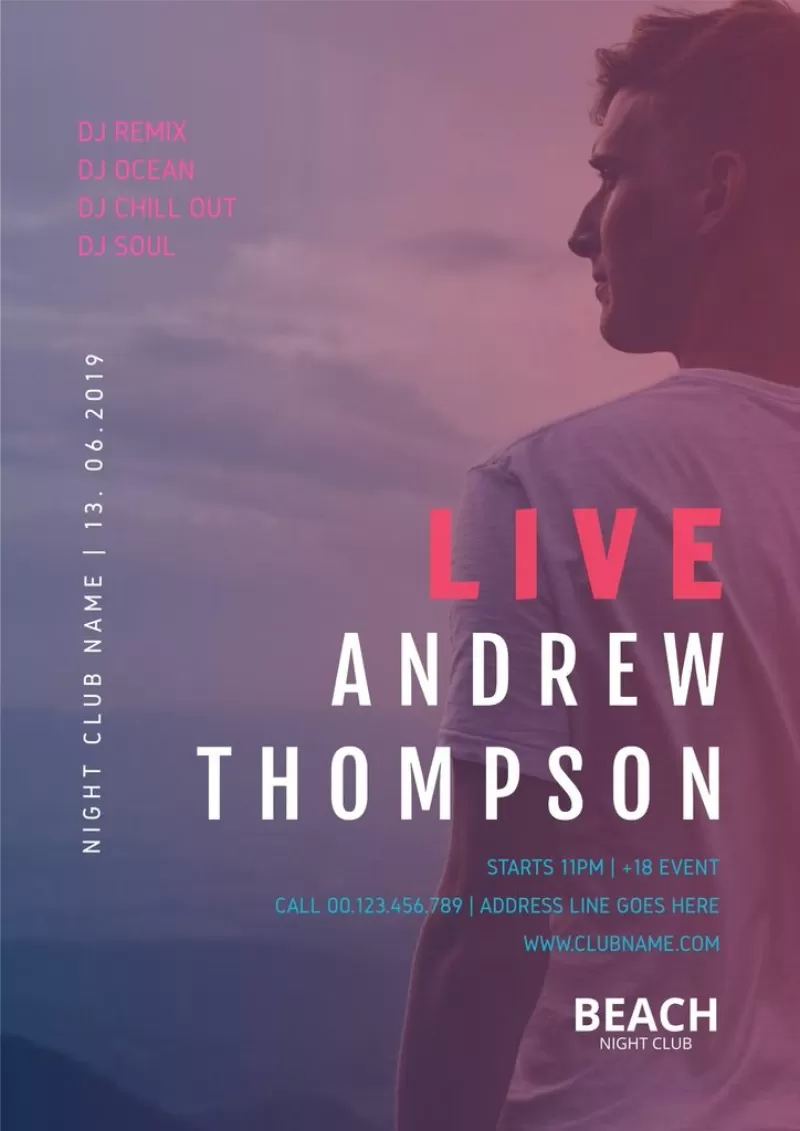
If you also want to improve the image or reputation of your brand, invite leading people within your sectors such as sponsors, influencers, or bloggers, and offer them coupons or tickets for their followers and multiply the reach. You can connect your channel with other people at some point during the live event to be more dynamic and to also get followers from this other person's channel. Finally, you can also or promote an upcoming exhibition, conference, or any other experience you propose.
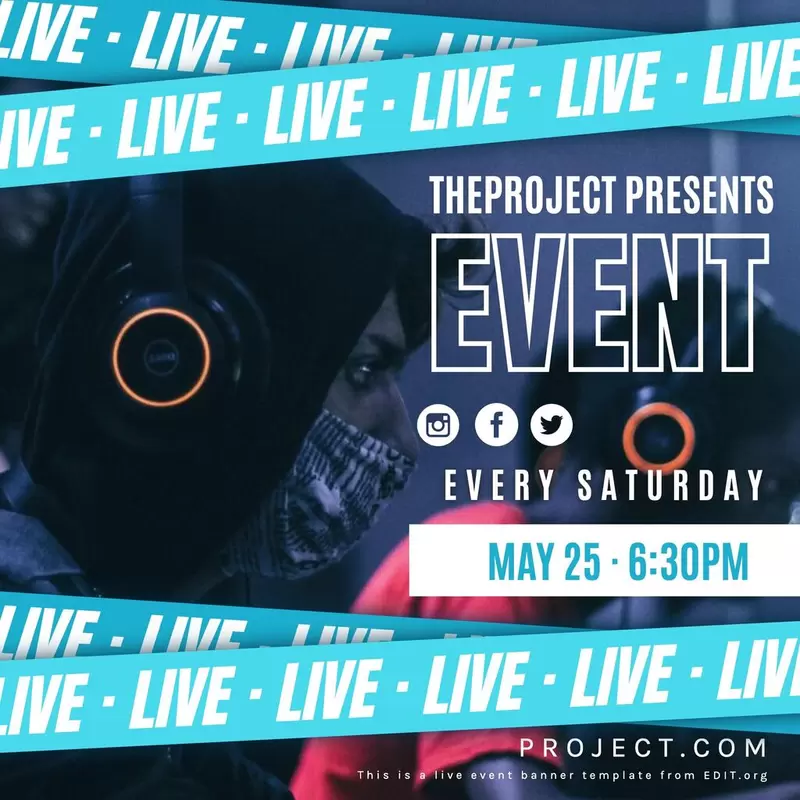
Customizable live event posters and banners
The best recommendation is to repeat the same event format often: every week, every month, every 1st Thursday of the month, etc., to make the most of all the effort and experience you have had. In terms of design, you can edit the same promotional template and adapt it to the new event.
A broader outreach can turn into more customers and sales, and that is why you should advertise your live event in advance. Insert the corporate colors of your personal brand, the desired text, and your logo in a few minutes.
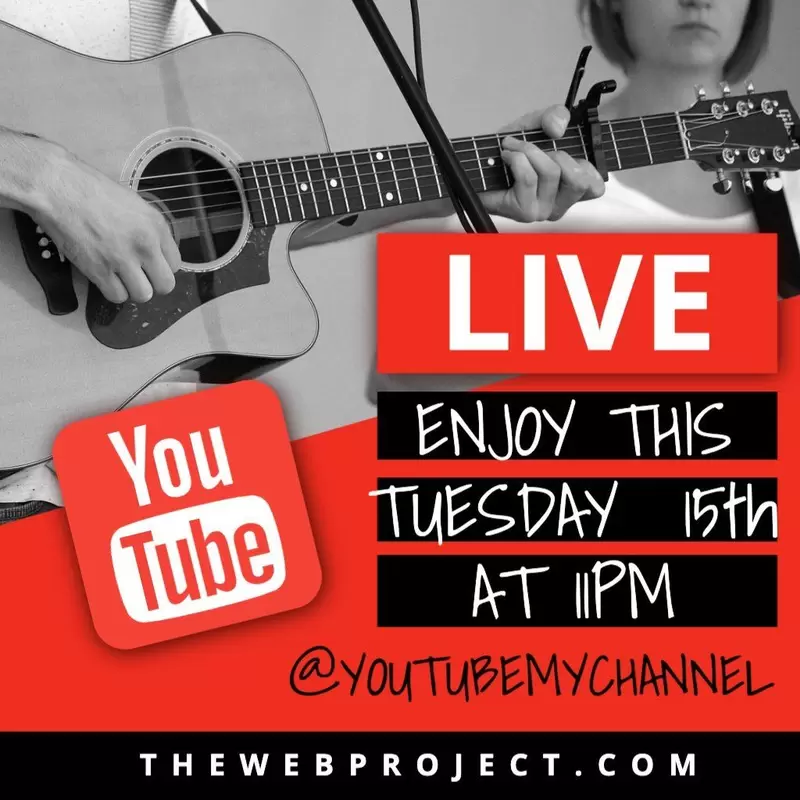
Edit.org is very easy to use, and you can adapt templates to all social media formats in a single click since the sizes for each post are predefined in the graphic editor. Edit a live event design now! You will be amazed at how fast you can create your promotional designs.


