Conference Room digital Signage templates
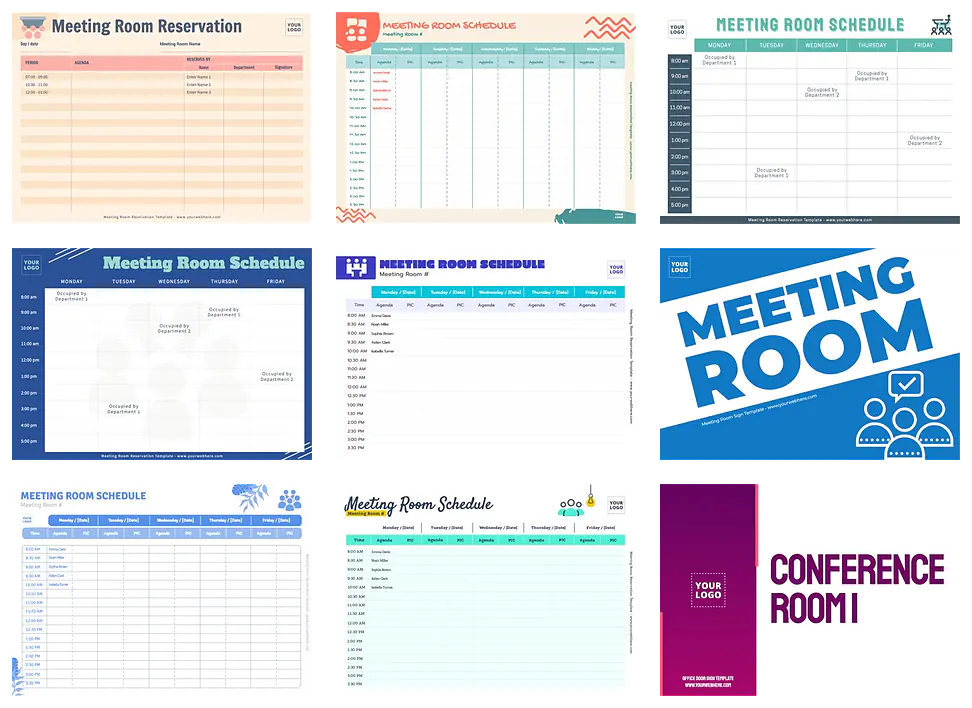
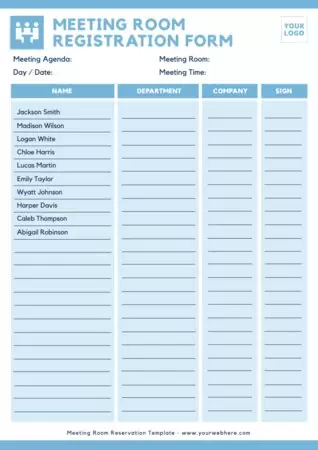
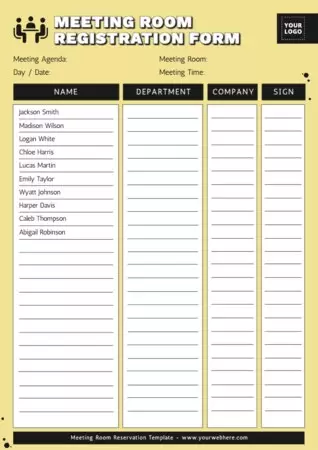
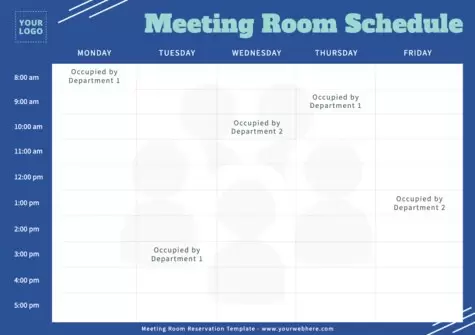
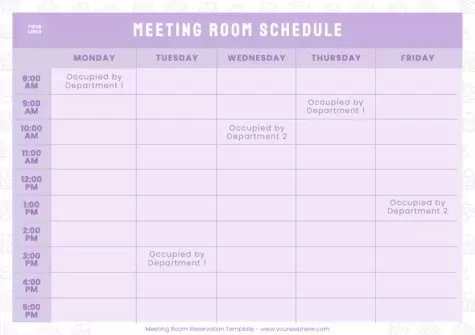
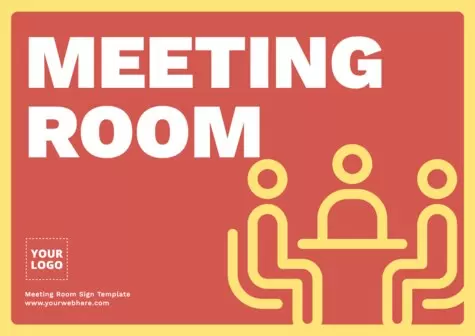
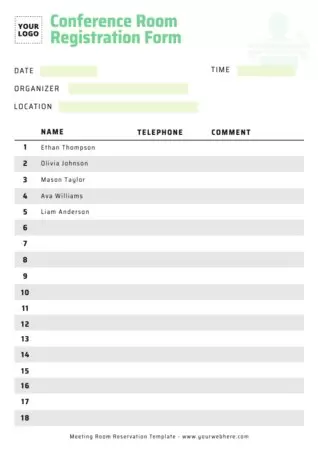
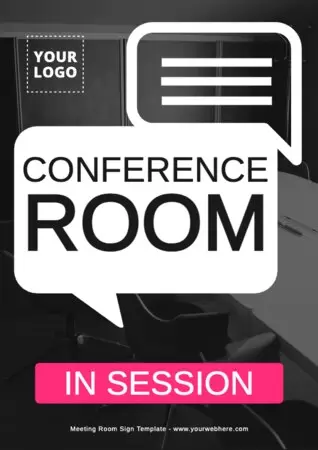
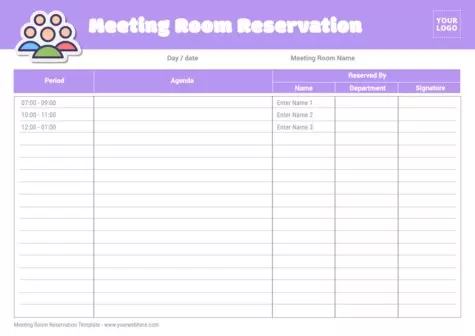
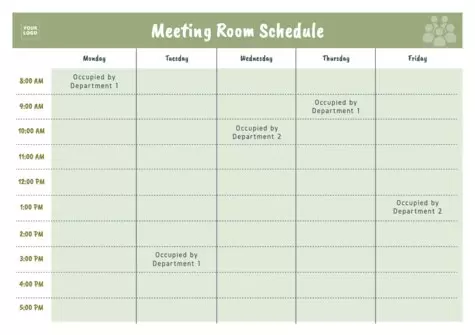
Download Conference Room scheduler templates in minutes. Customize signs and sheets to record hourly reservations for your company's meeting rooms.
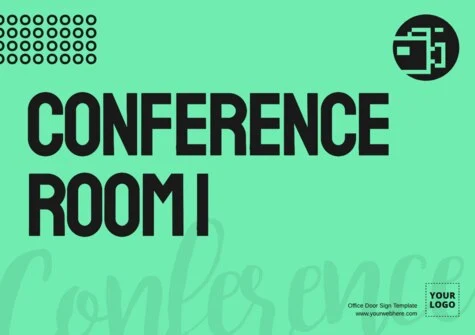
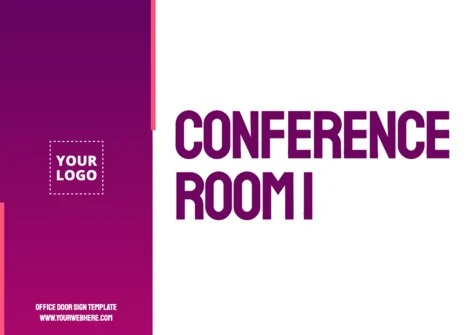
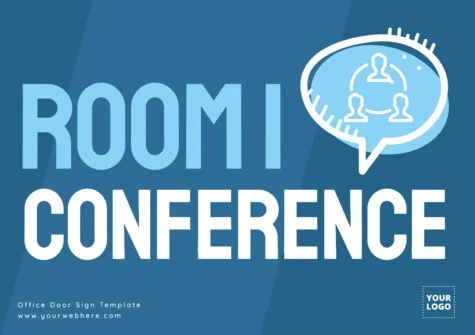
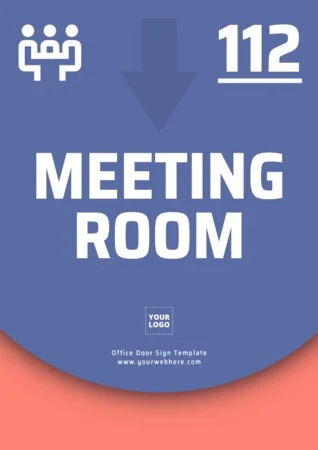
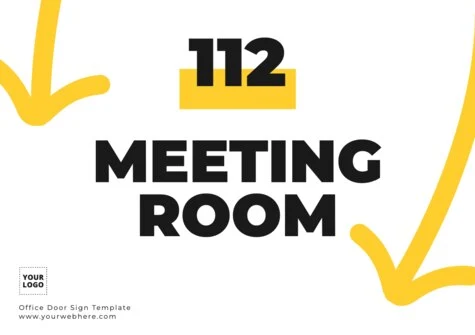
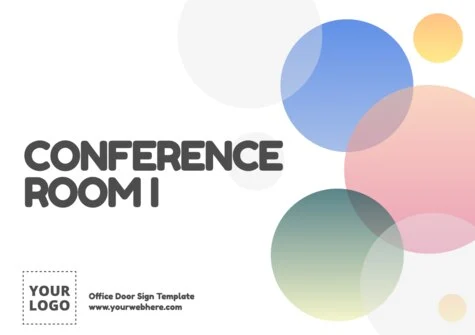
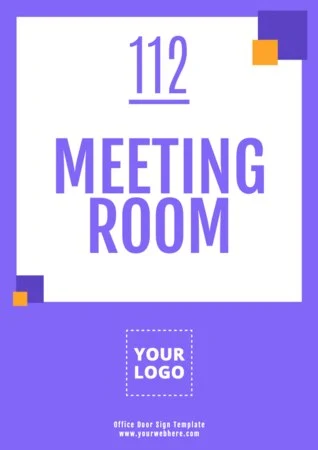
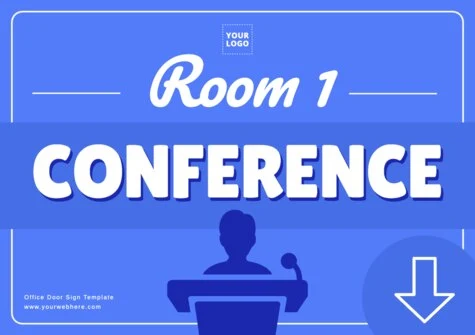
Load more templates +
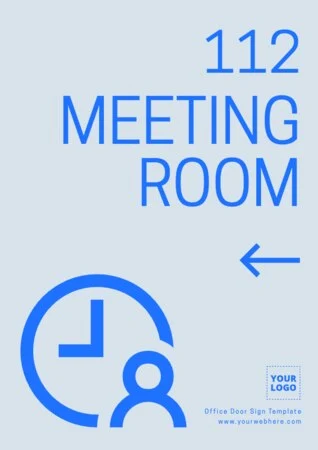
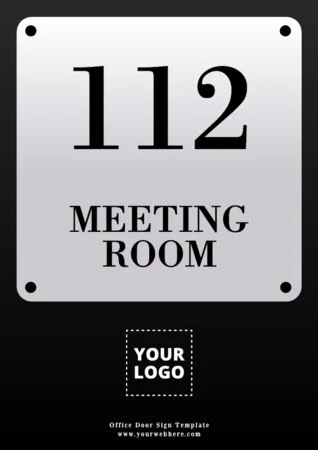
Create custom Conference Room signs to print
Meeting rooms are vital to team interaction and decision-making. With our new collection of conference room door sign templates and schedules, generate seamless communication between the person who manages room bookings at your workplace and the department interested in making the reservation.
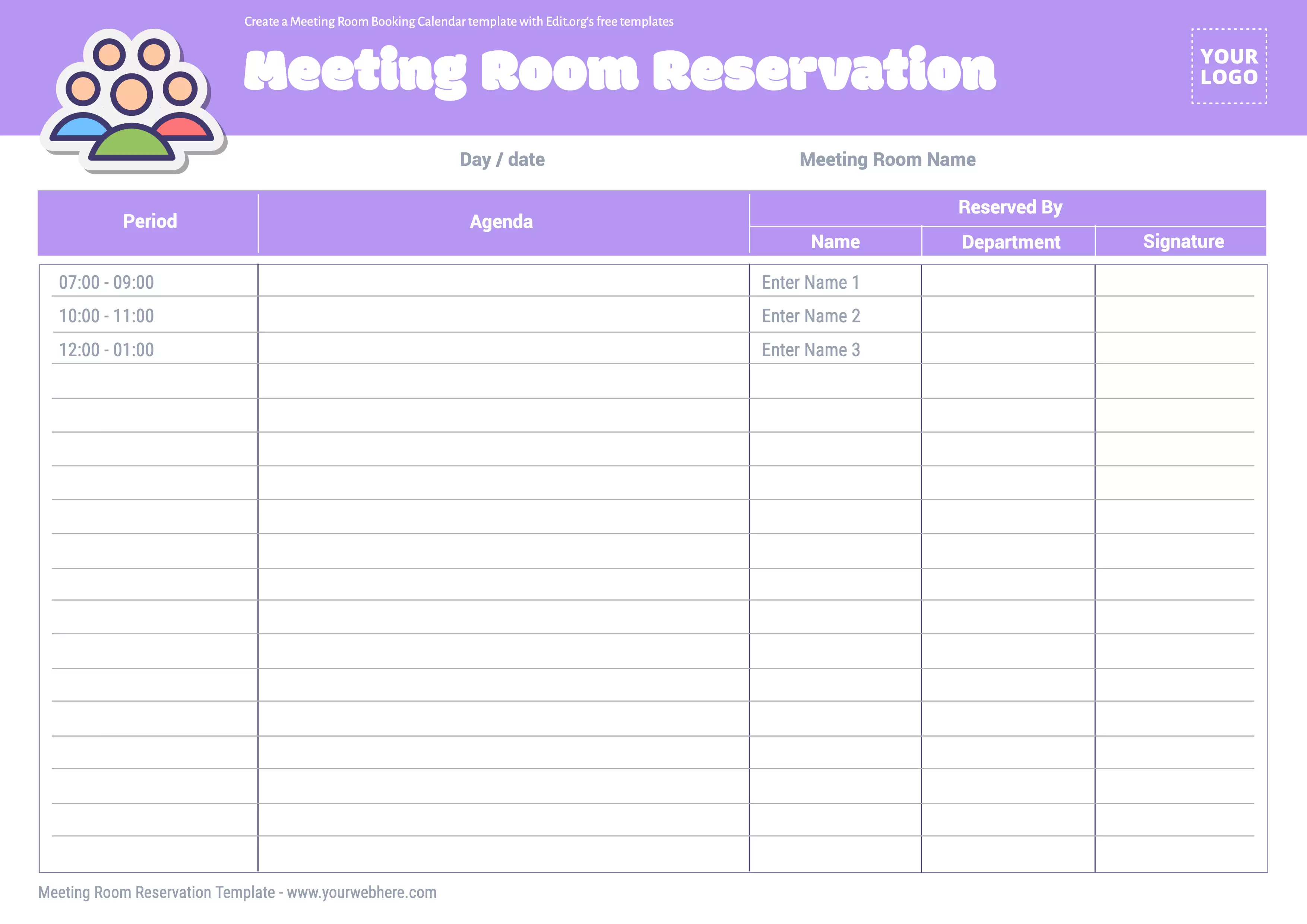
Without using Photoshop and without any design skills, enter the editor and easily customize a meeting room booking sheet to anticipate the event by day, week, or month.
Customize a meeting room booking schedule template from your phone, tablet, or computer. These templates are designed for both the office administration team and the receptionist in charge of the reservation system.
Also, customize templates for work schedules, as well as templates for coworking spaces.
How to edit printable signs for Conference Rooms
See how easy it is to edit a meeting room reservation template in our intuitive editor!
- Click on any meeting room poster in this article to start editing.
- Customize the design with clicks (upload your logo, choose your corporate colors, write text, etc.).
- Save your changes in the cloud that we generate for you.
- Download your design in JPG, PNG, or high-resolution PDF for printing.
Done! Have your personalized meeting room door signs. You can communicate and indicate when and at what time a meeting room is free or busy to optimize your resources.
Make custom Conference Room calendar designs
Comply with your organization's established procedures to ensure efficient meeting room management:
- Check availability. Before making a reservation, you can check room availability on the day and time you want by creating a calendar that allows employees to view room availability in real-time.
- Enter meeting details when making a reservation. You'll have the option to provide relevant information about the purpose of the meeting or the topics to be discussed.
- Confirm the reservation. After making the reservation, you can check the confirmation and how to receive it (by e-mail or any other means your organization uses to communicate reservations).
You will also find tab options with editable boxes to cancel if necessary.
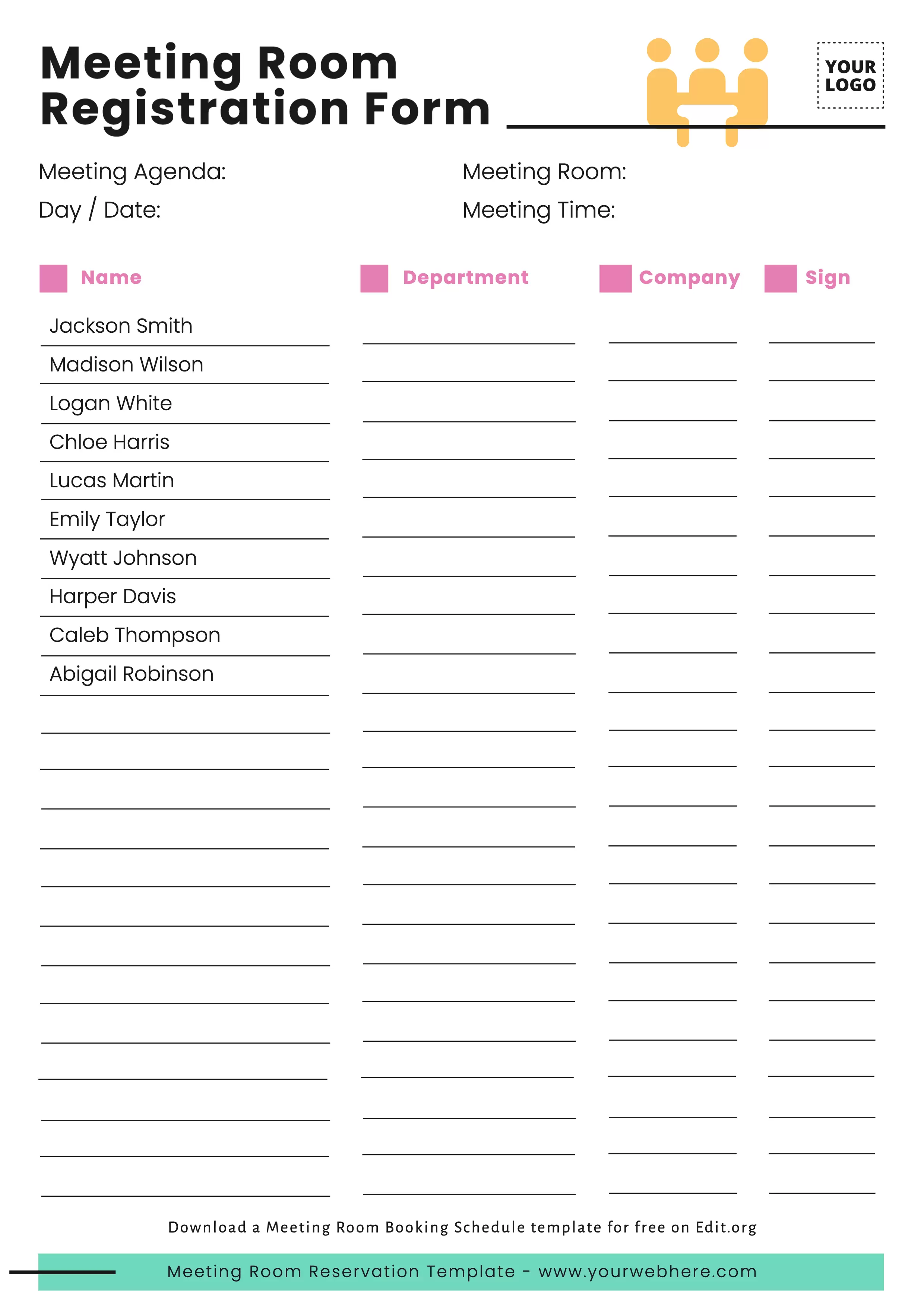
Create digital Meeting Room signs and sheets
Why is it necessary to manage meeting room reservations? Sometimes, the configuration and size of meeting rooms can vary depending on the organization's capabilities or the specific purpose of the meeting. Some meeting rooms may be designed to facilitate collaboration via Zoom or videoconferencing to allow people who are not physically in the location to participate.
Booking a meeting room may involve a specific process tailored to the professionals' needs. Manage multiple conference rooms to maximize corporate or coworking resources.
How do you make business meetings productive?
You know what Steve Jobs used to say, "Great things in business are never done by one person but by a team of people." Remember that the tone and atmosphere of a meeting also depend on the interaction and attitude of the participants. Fostering a positive atmosphere, actively listening, and recognizing accomplishments will contribute to a meeting that is considered "nice" and productive in growing your company.