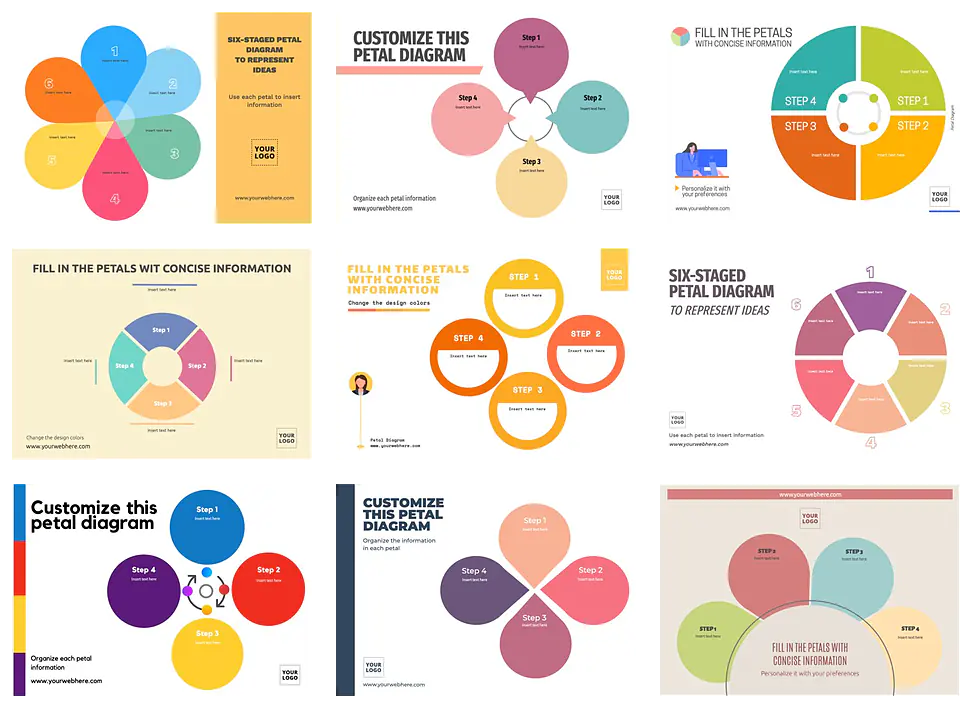
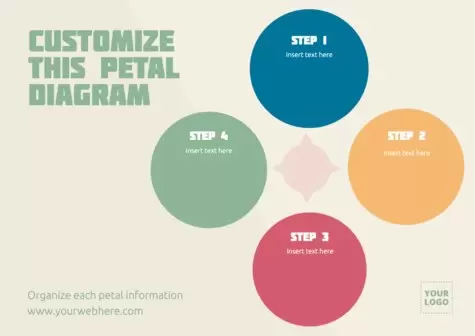
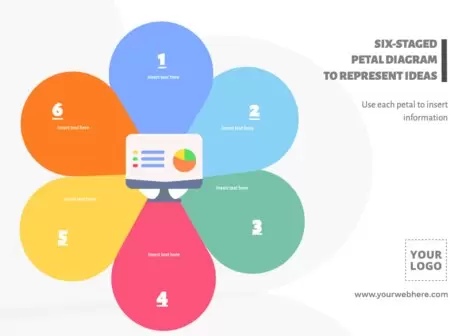
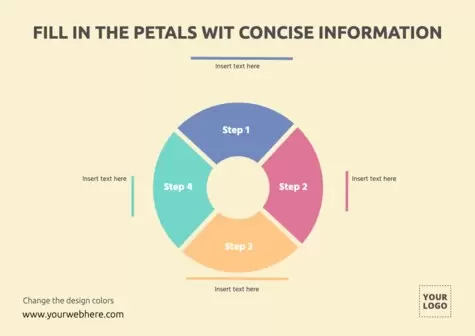
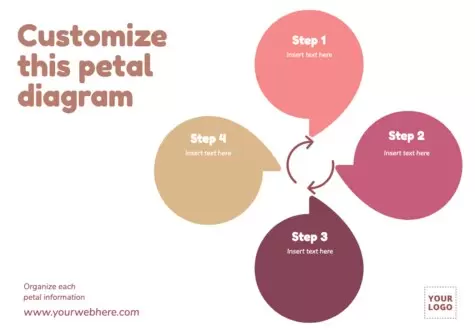
Choose an editable template from Edit.org and create an amazing customized petal diagram for your company or project in seconds.
Load more templates +
What is a petal diagram?
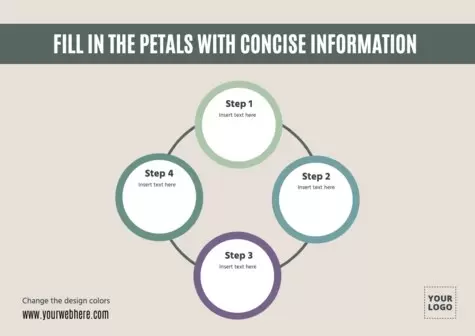
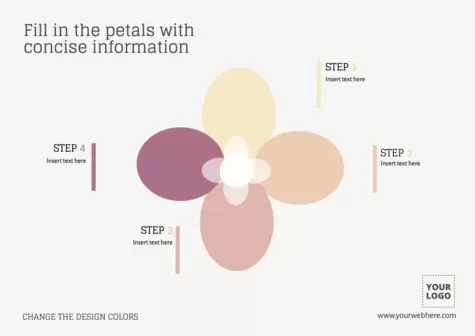
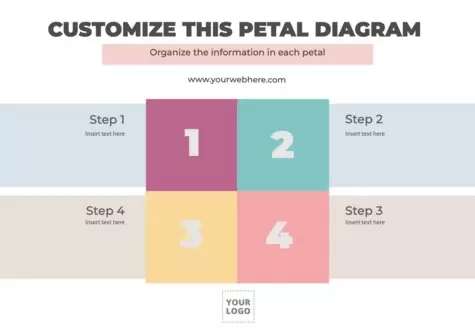
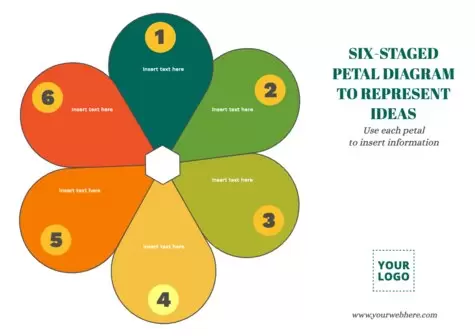
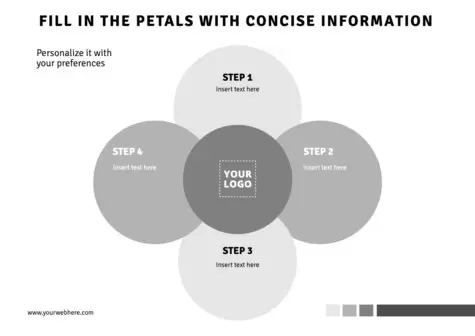
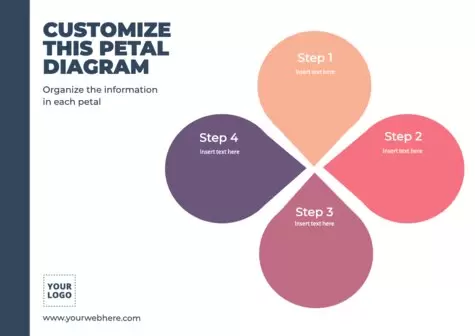
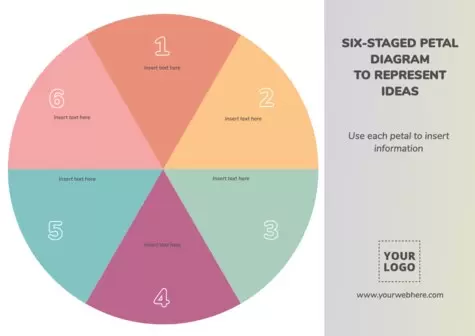
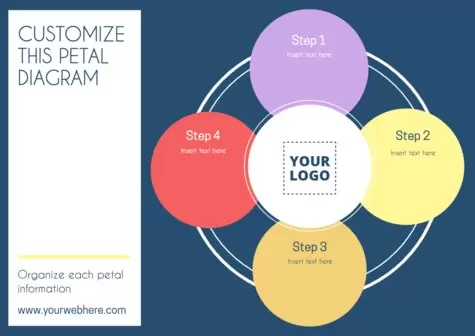
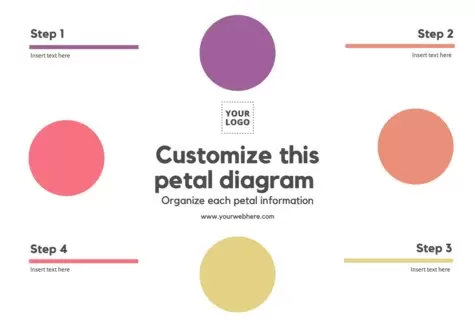
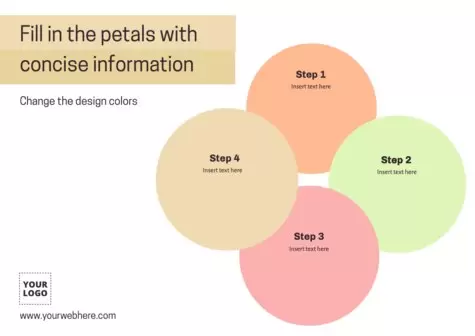
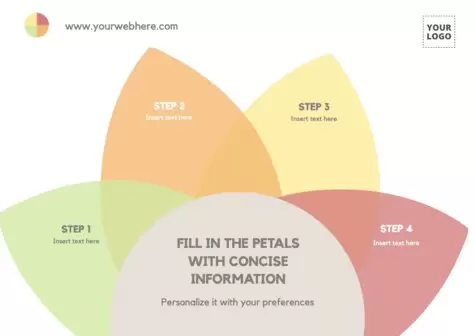
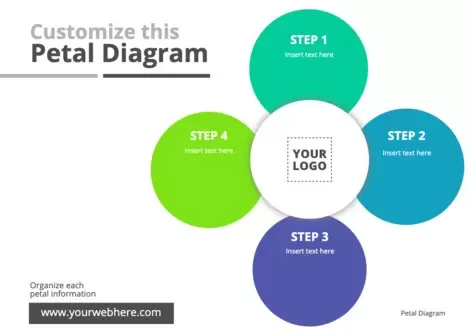
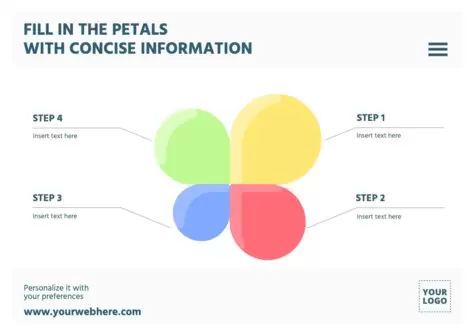
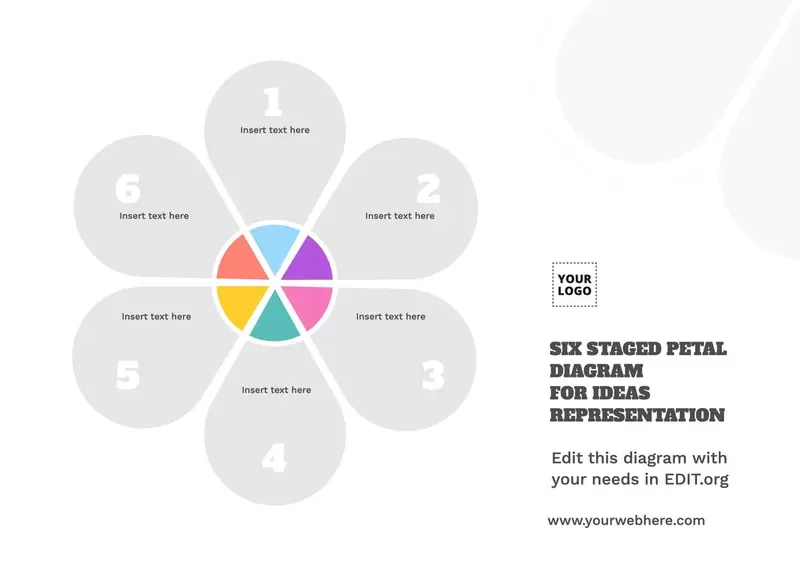
A flower or petal diagram is a good tool for optimizing your business plan. Although it is often used to analyze the competition, it also allows you to show at what point your project can reach its highest point or expose to investors the reasons why they should devote their attention and money to your startup.
With Edit.org, you can create a petal diagram online without difficulty or the need to resort to complicated design programs. We are the alternative to Photoshop. All you have to do is click inside each petal and fill it with the text you want to convey. In addition, you can effortlessly change the colors and fonts, as well as include your business logo. The result will be elegant, clear, and beautiful: as if it had been made by an expert designer.
At Edit.org, we have thousands of diagram and canvas designs for your startup, from Business Model Canvas templates to Mind Maps.
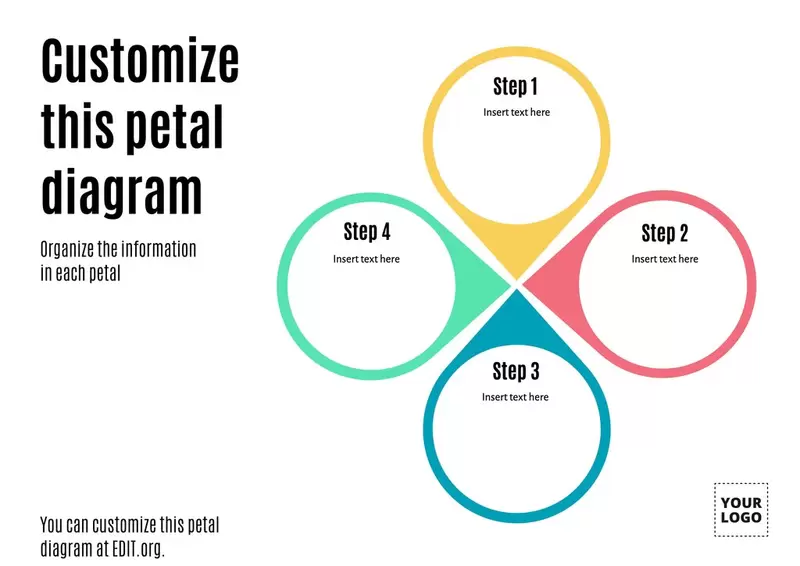
Create a petal diagram with Edit.org to analyze your company
Look how straightforward it is to create your own diagram online!
- Click on one of the images we have selected for you in this article, or go to the editor
- Select the template you like the most to start customizing it
- Customize it with your data, photos, texts, and elements
- Save the layout to make changes in the future
- Download it in JPG, PNG, or PDF to print it or share it online
Done! And good luck
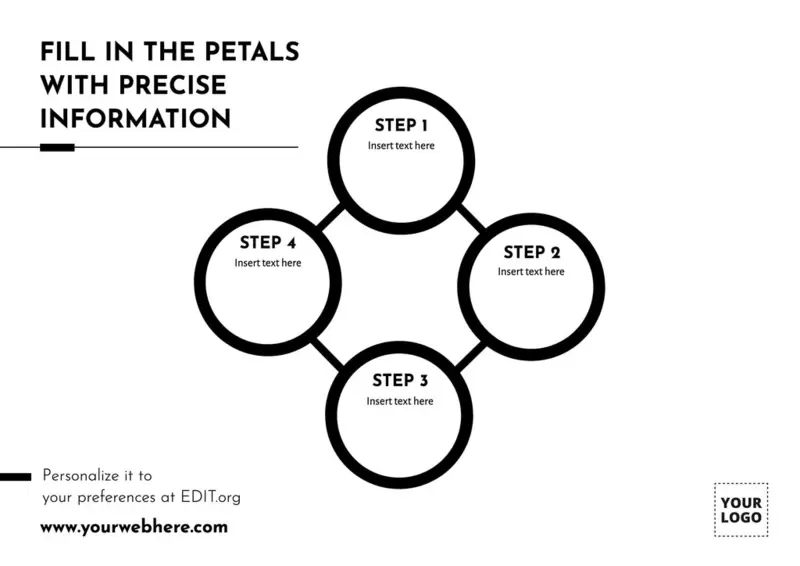
5 important tips to design a petal diagram infographic
- Place your business at the center of the diagram
- Branch out to the market segments that are key to your business today. This way, you can show investors and employees where your new customers will come from in the future.
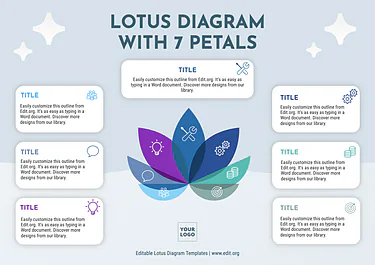
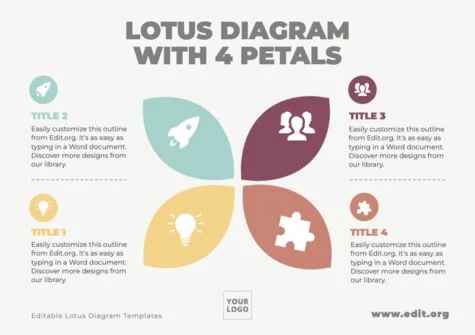
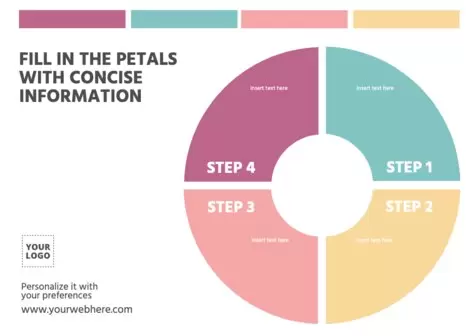
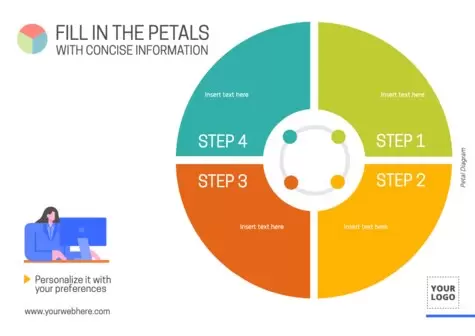
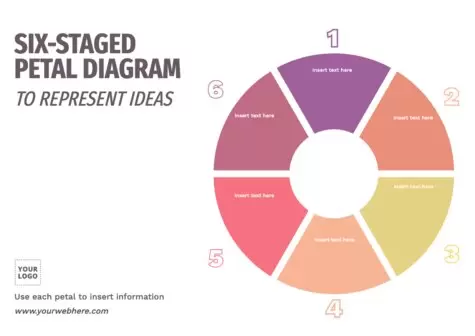
- Remember that there is no limit to the number of petals you can include. Use as many as you need to point out the competition (3, 4, 5, 6 petals...).
- The size of the petals needs to be, for each segment, the size of the market opportunities.
- Write concise sentences to explain each topic and use images to make it visually easier.
When you finish editing, save the composition in your user profile to continue editing it later or create copies. You will be able to download it in the highest quality when you want to print or share it online.
Start creating your diagram now and marvel at how easy it is thanks to our intuitive editor!