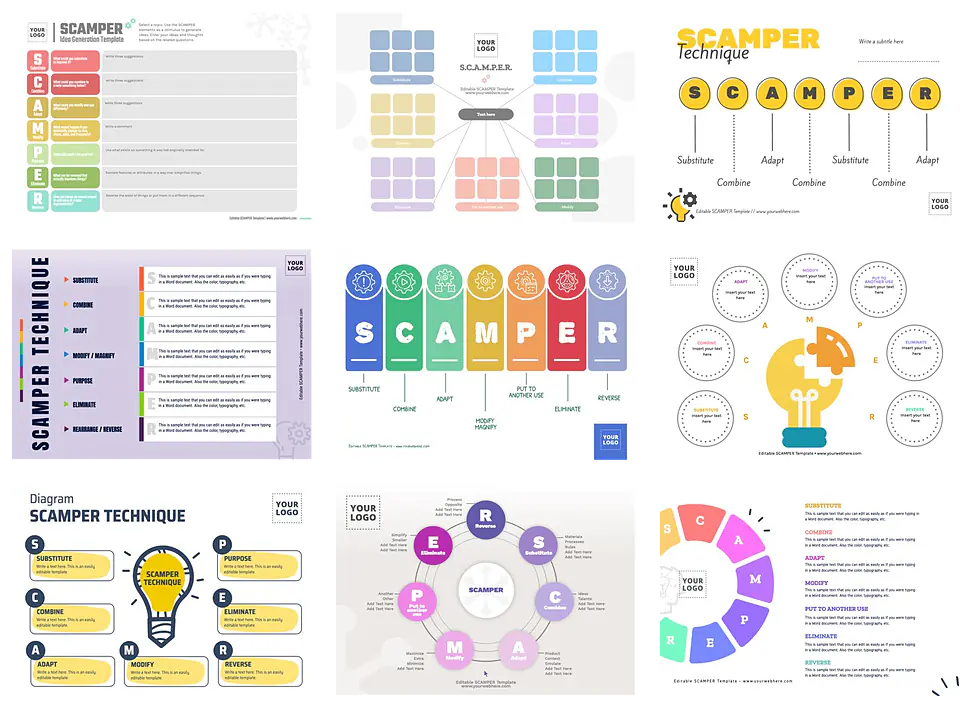
Editable SCAMPER creativity tool examples
Customize a SCAMPER diagram online with ready-to-customize templates. Use this creative problem-solving technique to generate ideas for your company or startup. Improve your processes, products, or services with professional SCAMPER templates and get an elegant result.
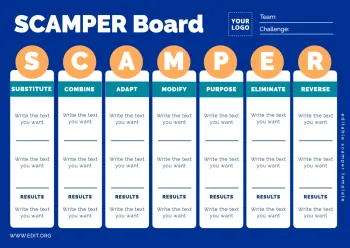
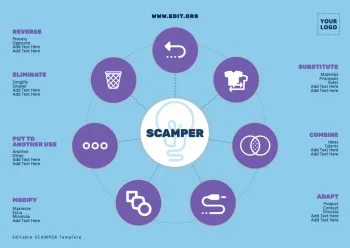
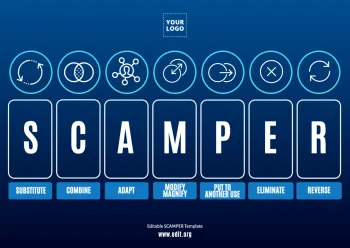


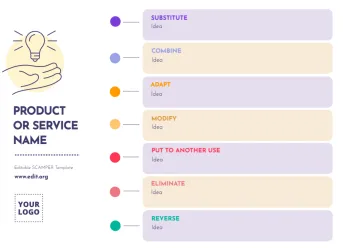
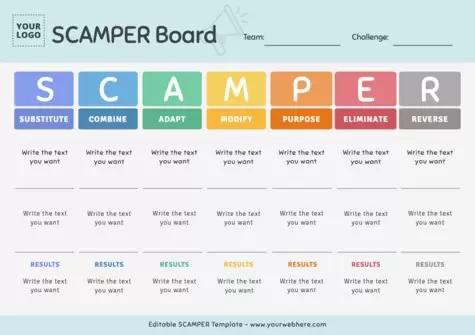
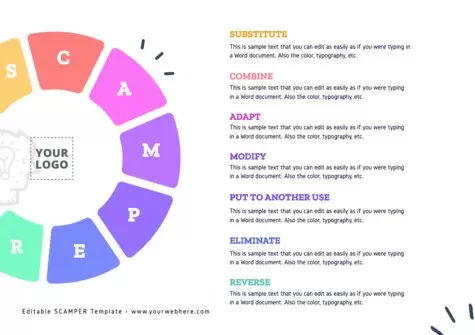
Load more templates +
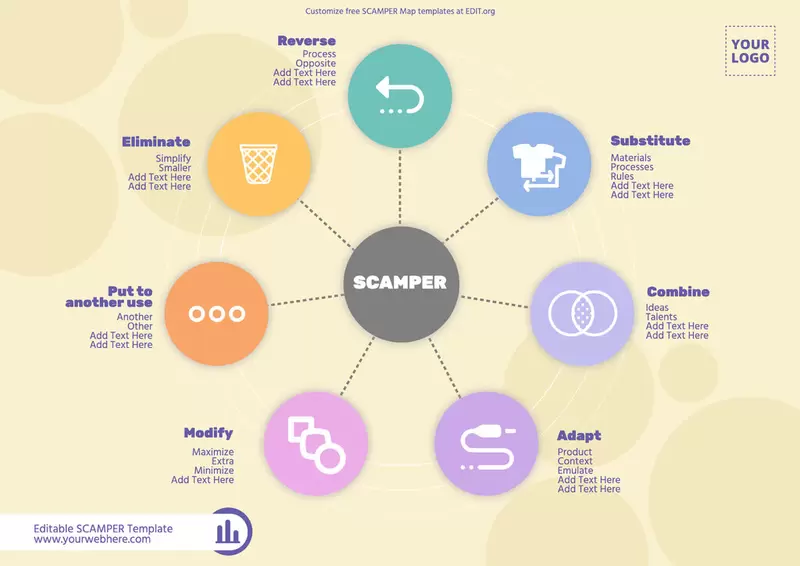
Customize SCAMPER Method examples with editable templates
- What is a SCAMPER map for? The SCAMPER diagram is a creative problem-solving technique used to generate ideas and improve existing products, processes, or services.
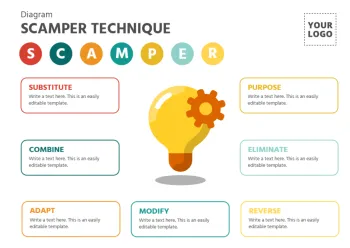
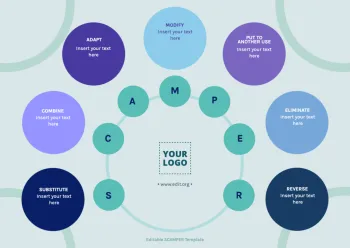
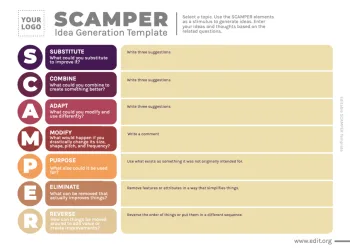
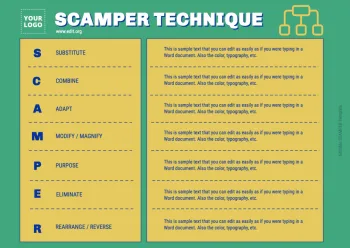
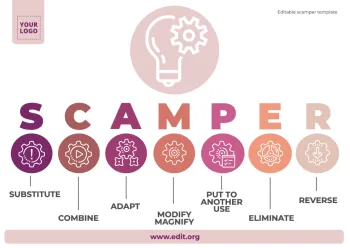
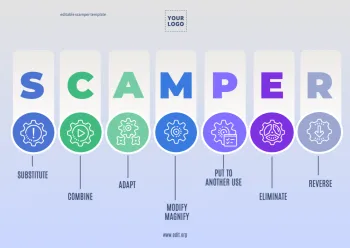
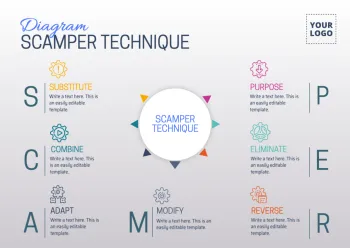
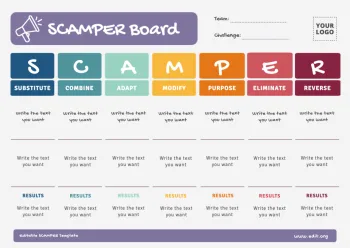
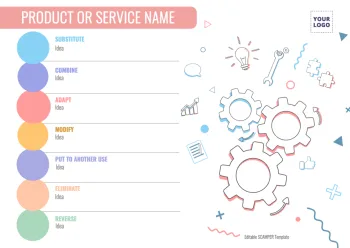
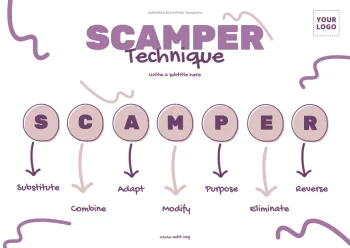
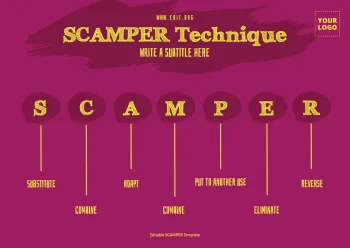
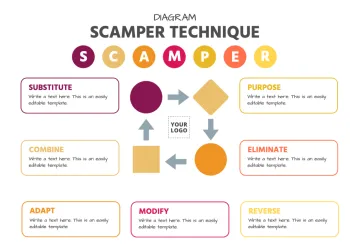
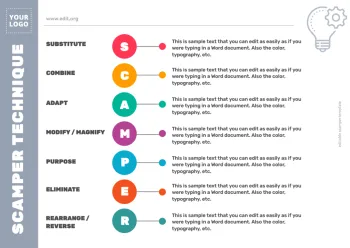
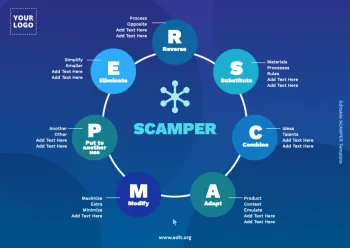
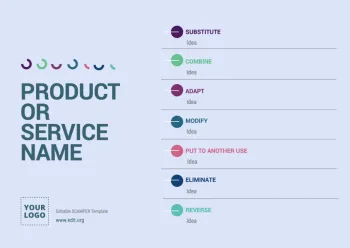
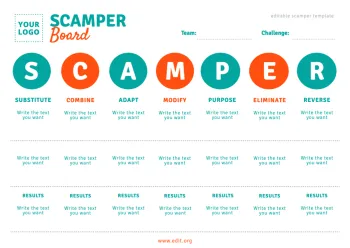
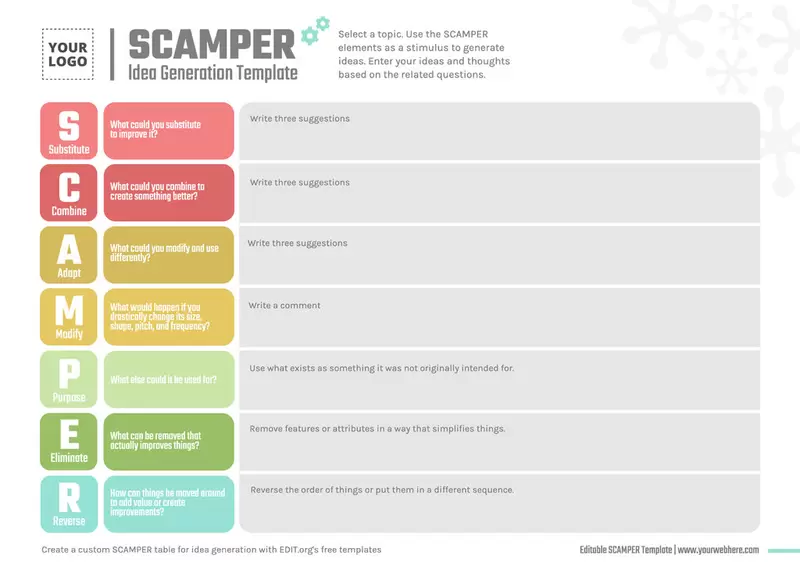
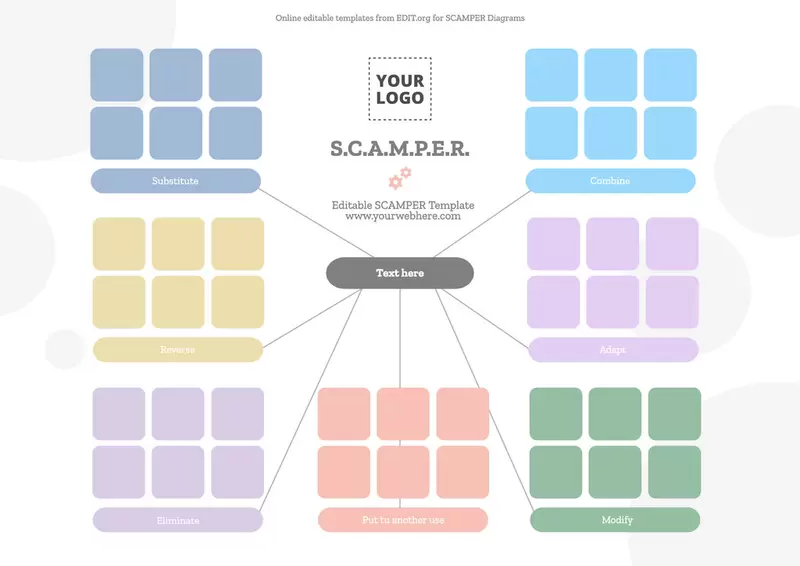
- What does SCAMPER mean? SCAMPER is an acronym for these words: "Substitute", "Combine", "Adapt", "Modify", "Put to another use", "Eliminate", and "Rearrange".
Whether you're an entrepreneur, teacher, researcher, or writer, any professional looking to foster innovation and creativity in their work can use our collection of editable diagrams from SCAMPER. You can customize it in seconds online without downloading any design software. It's a valuable tool to generate original and effective ideas for your business.
So how do you fill in a SCAMPER map? It's very easy. Simply answer these questions and transcribe the answers in the editable graphics we've designed for you. Writing in the text boxes and adding them is as easy as writing in a Word document.
- Substitute - what elements can be substituted?
- Combine - which elements can be combined in a different way?
- Adapt - How can elements be adapted or modified?
- Modify - How can elements be modified or changed?
- Put to another use - How can elements be used in a different way?
- Eliminate - Which elements can be eliminated?
- Rearrange - How can existing elements be rearranged?
Use these seven areas and our easy-to-use templates to create a SCAMPER diagram and explore different ideas and solutions for the business you are facing. More than one good idea is sure to pop into your head. This procedure is very useful for stimulating creativity, and sometimes the solution is obvious when it seems difficult to reach.
At Edit.org, we create new collections of diagrams every week, as they help in an elementary and logical way to find solutions. For example, check out these collections of Spider Diagram or Venn Diagram templates.
How to make a free SCAMPER design with Edit.org
You don't need to know design. Just follow these steps:
- Select a diagram from this article or find another design you like better in our editor.
- Edit details such as colors, typography, and text.
- Save your changes online in our free cloud.
- Download your custom graphic as a high-resolution JPG, PNG, or PDF to print or share your design.
You're done!
Download custom SCAMPER Product Examples to personalize with your data
Use these templates with SCAMPER examples to speed up your workflow. You will create professional presentations with elegant and appealing designs. Our graphic editor is online and intuitive. Synthesize complex ideas with this method:
- Analyze the answers: After applying each of the questions, analyze the answers you have generated. That way, you will see that some of them are the solution you are looking for or an opportunity for improvement.
- Implement the solution: Test the solution you have chosen and evaluate its effectiveness. If it doesn't work... Don't worry! You can always reapply the diagram to generate new solutions.
Do you dare? Our templates are easy and editable solutions to every need that arises in your work area.
Enter Edit.org's free graphic editor and create a professional SCAMPER in seconds!